ZX Spectrum Next · Strategy & management
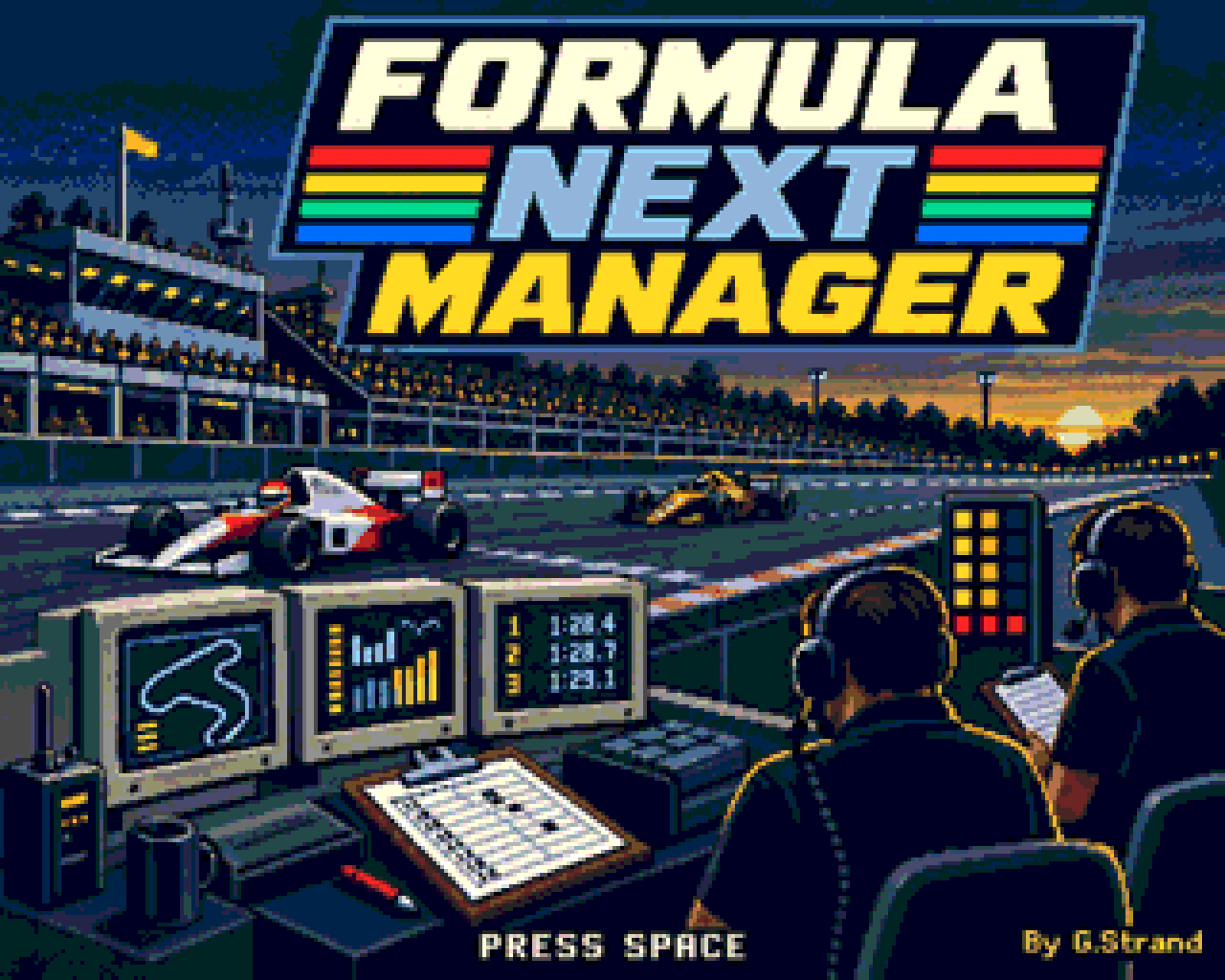
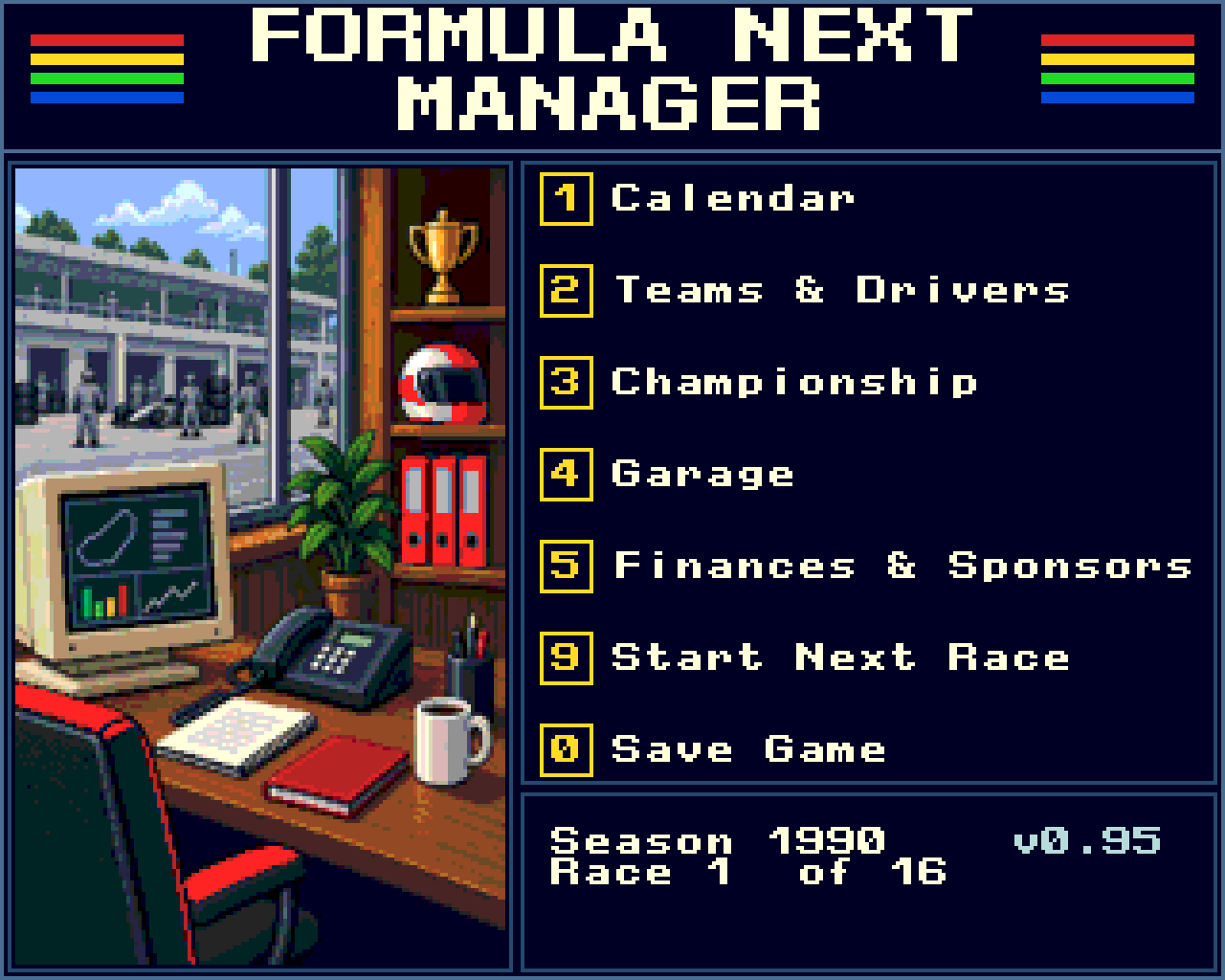
Formula Next
Manager
Build your team.
Shape the season.
Take charge of a Formula 1 team and begin your career in 1990. Recruit two drivers, prepare your cars and make the calls that turn a promising team into a championship contender.
Version 0.9.5 · .nex downloads for testing
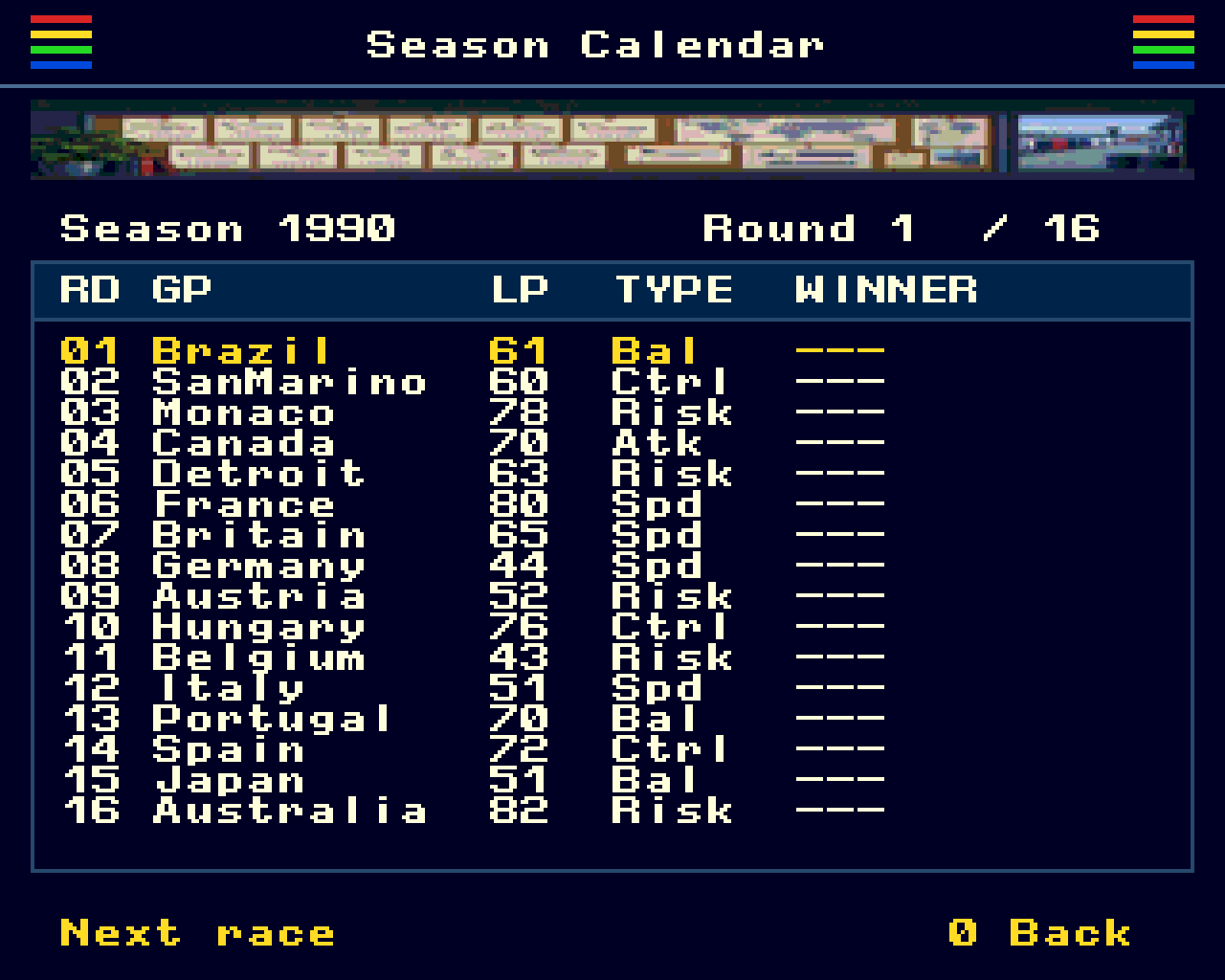
16
races per season
20
cars on the grid
5
difficulty levels
Every decision shapes your season.
Build your team.
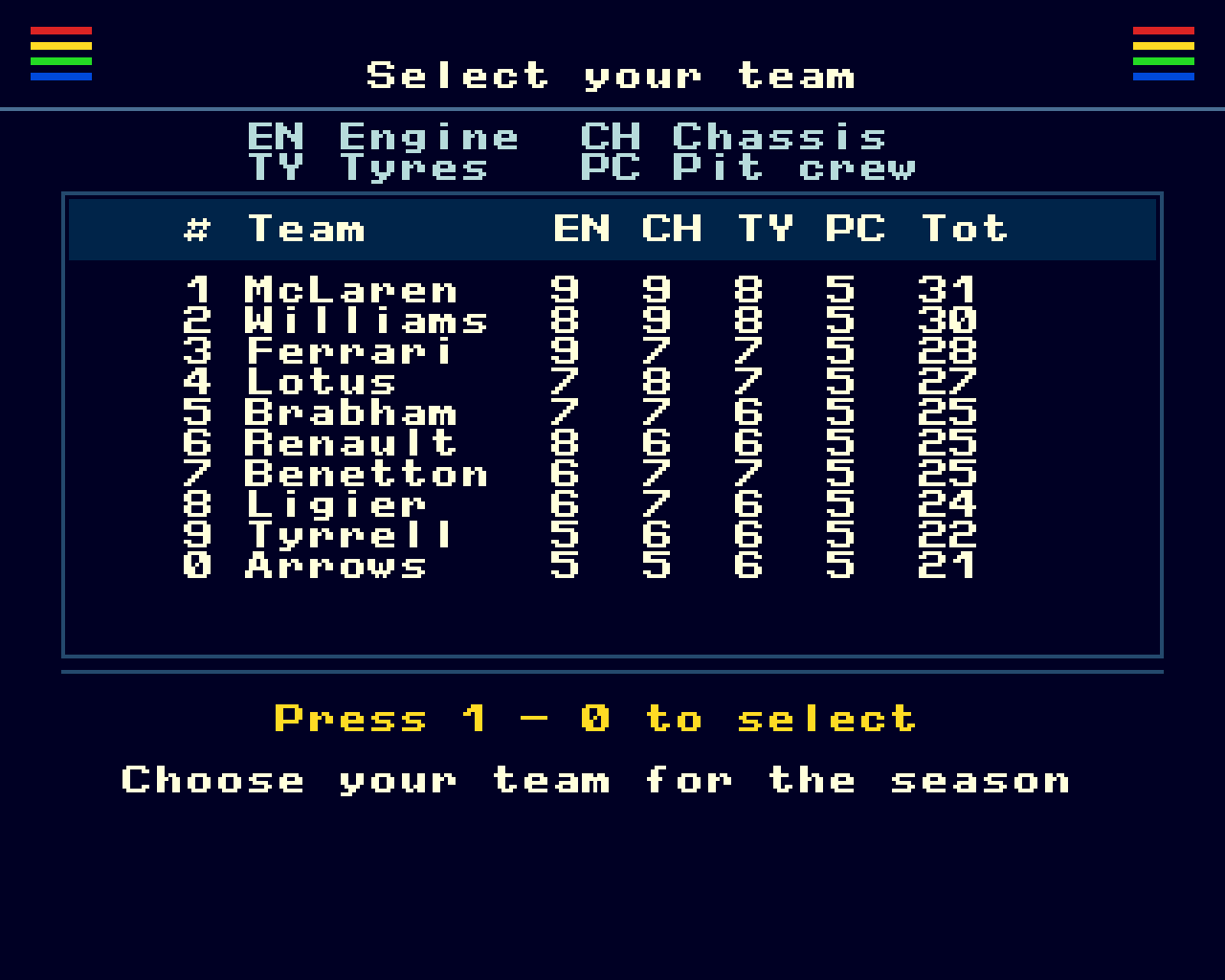
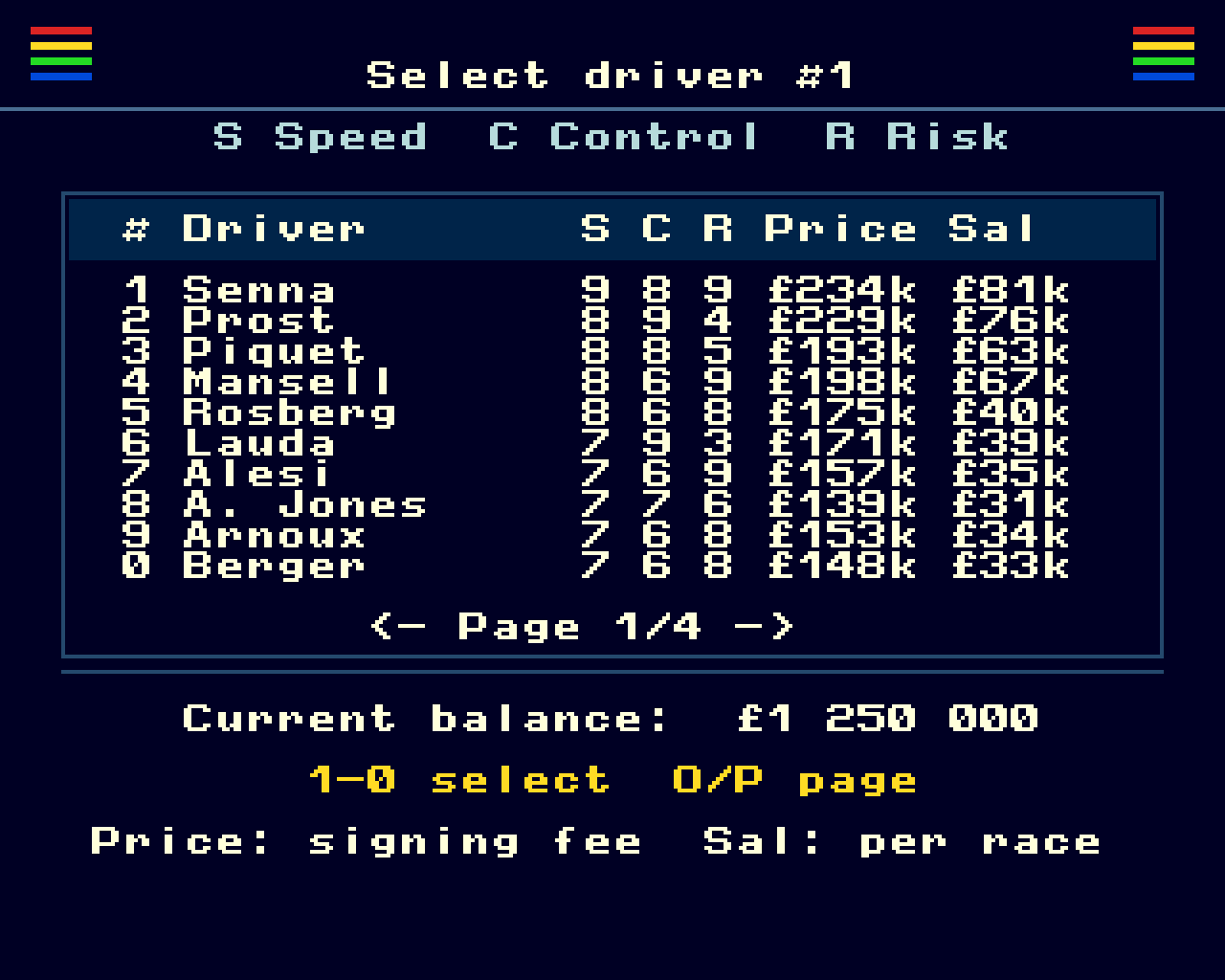
Choose from 10 teams and 40 drivers. Balance speed, control and risk with salaries, repairs and upgrades.
Call the race.
Follow qualifying, choose tyres and driving styles, react to the weather and direct both drivers over team radio.
Make the stop count.
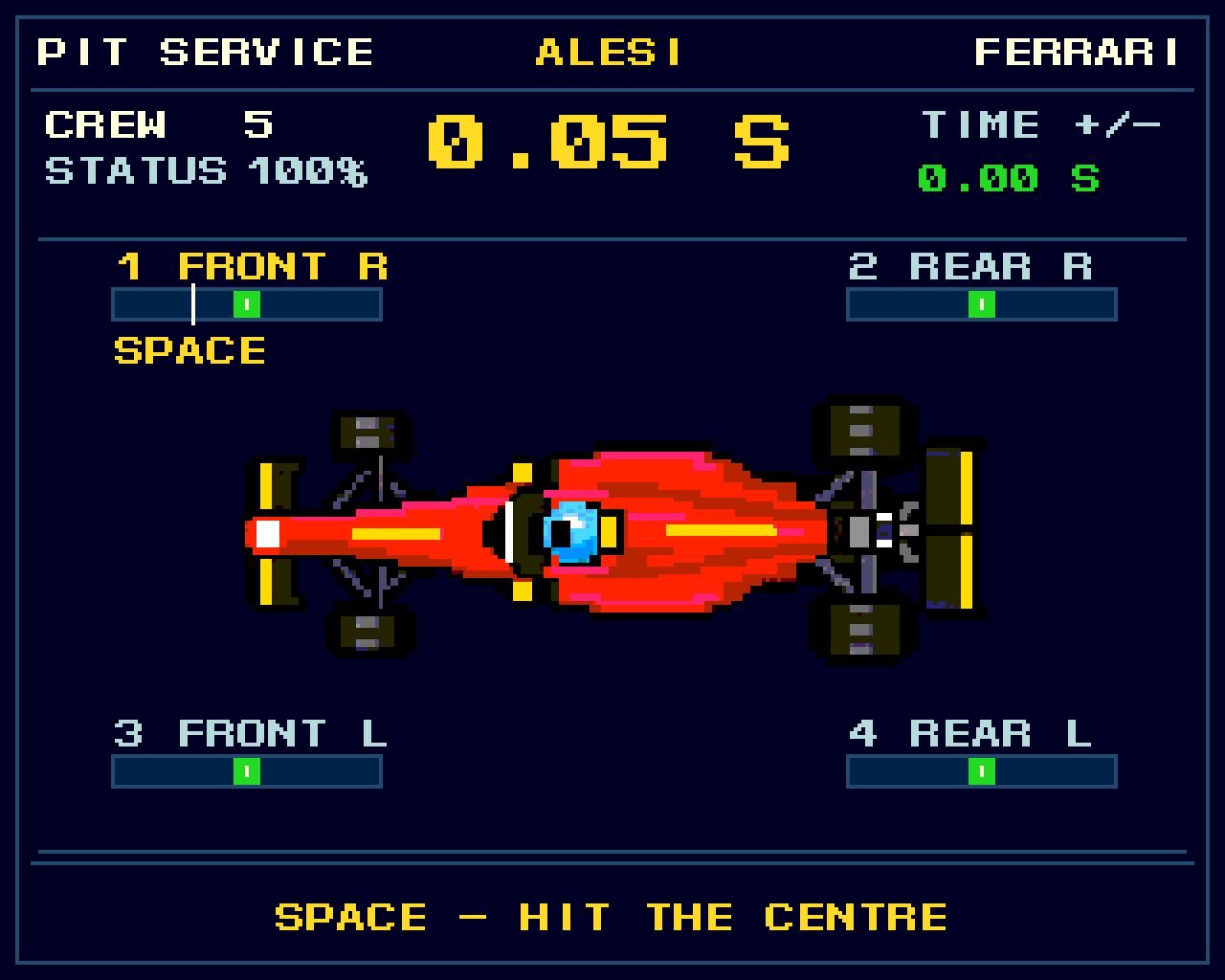
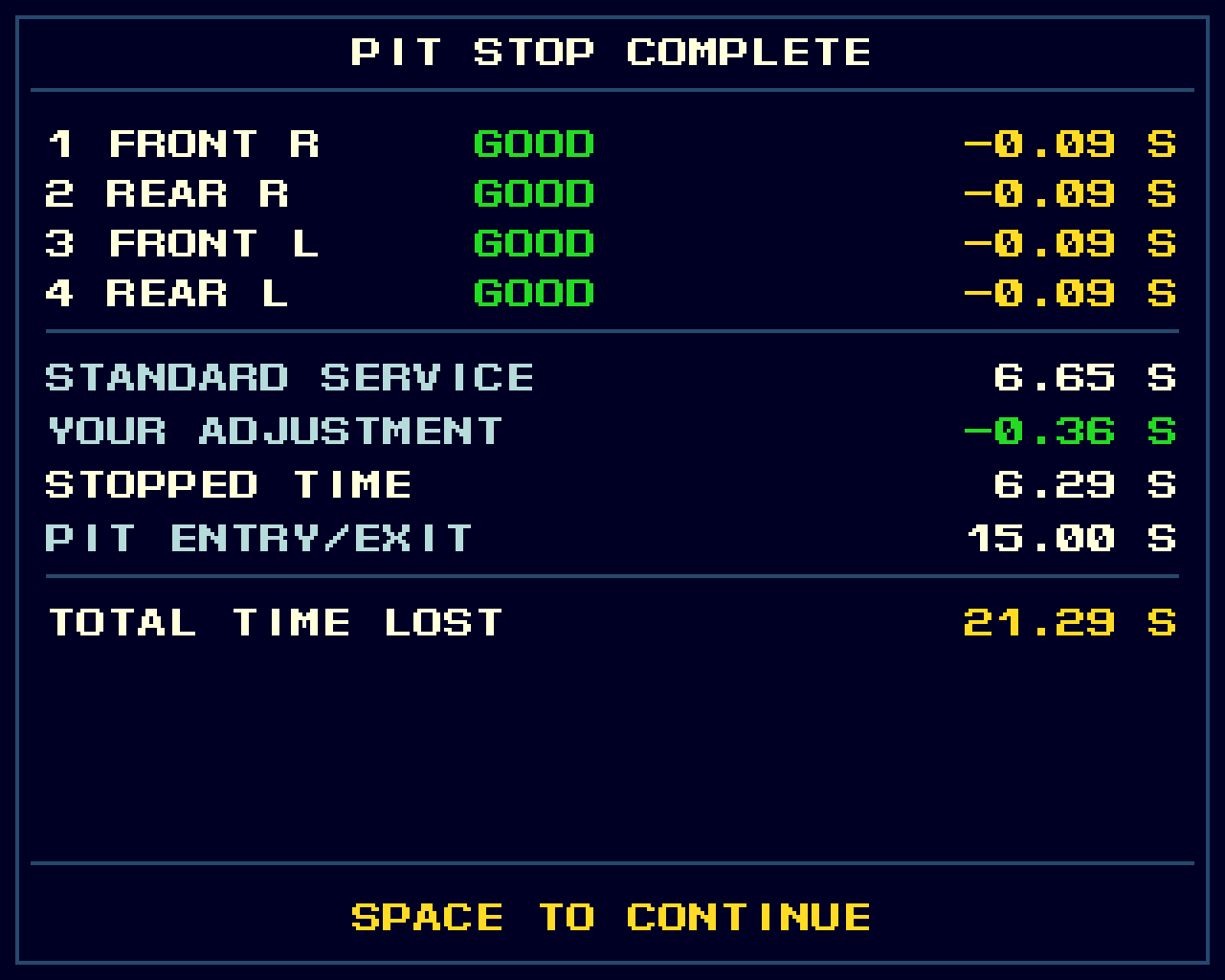
Call your drivers into the pits and time your service inputs. Good timing saves seconds; missed targets cost time.
A tribute to a Spectrum classic.
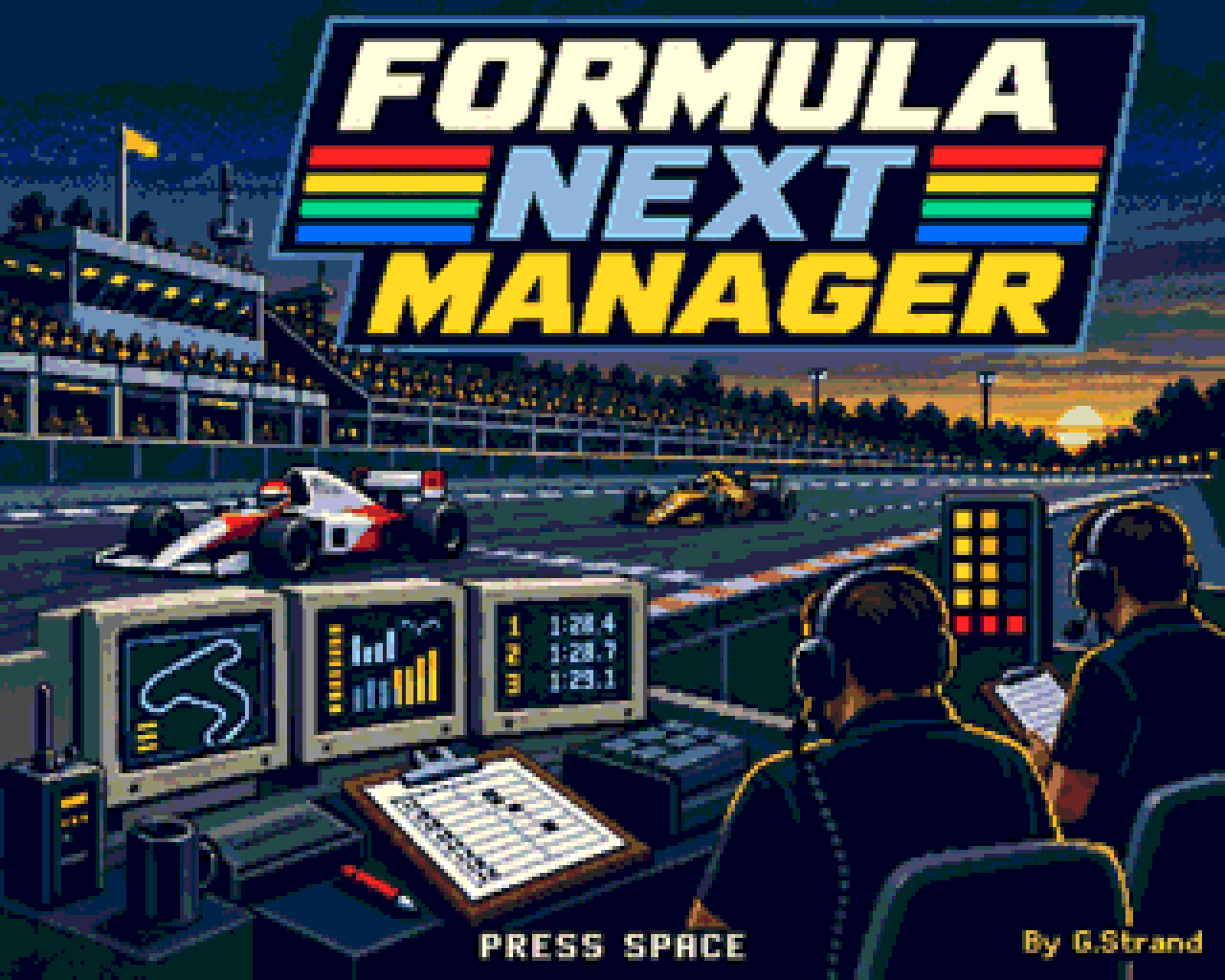
Inspired by the 1985 ZX Spectrum classic Formula One by CRL Group PLC, Formula Next Manager combines season-long strategy with hands-on race decisions. A tribute to one of my favourite games from the original Spectrum era, rebuilt with love for the Spectrum Next.
From the garage to the chequered flag.
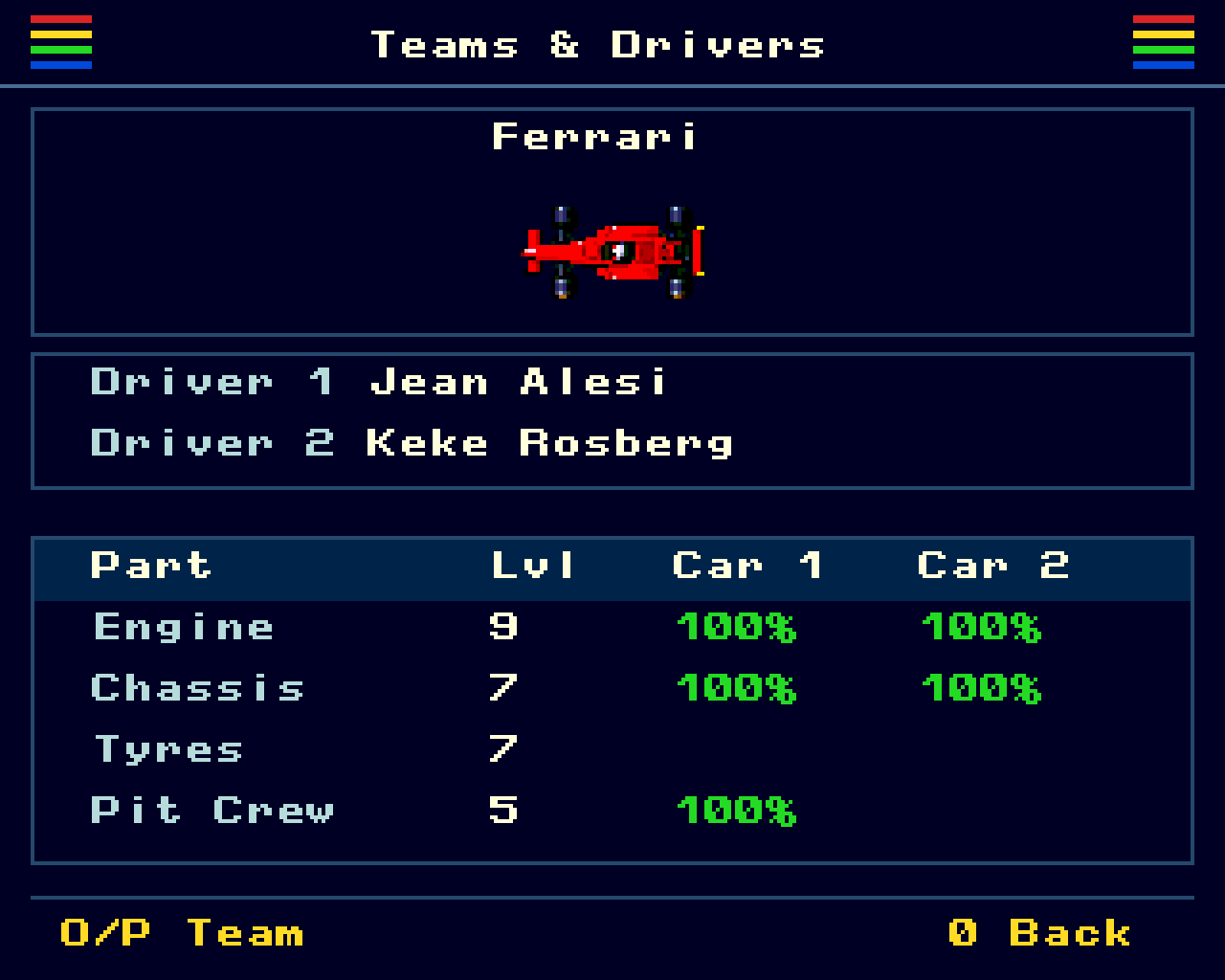
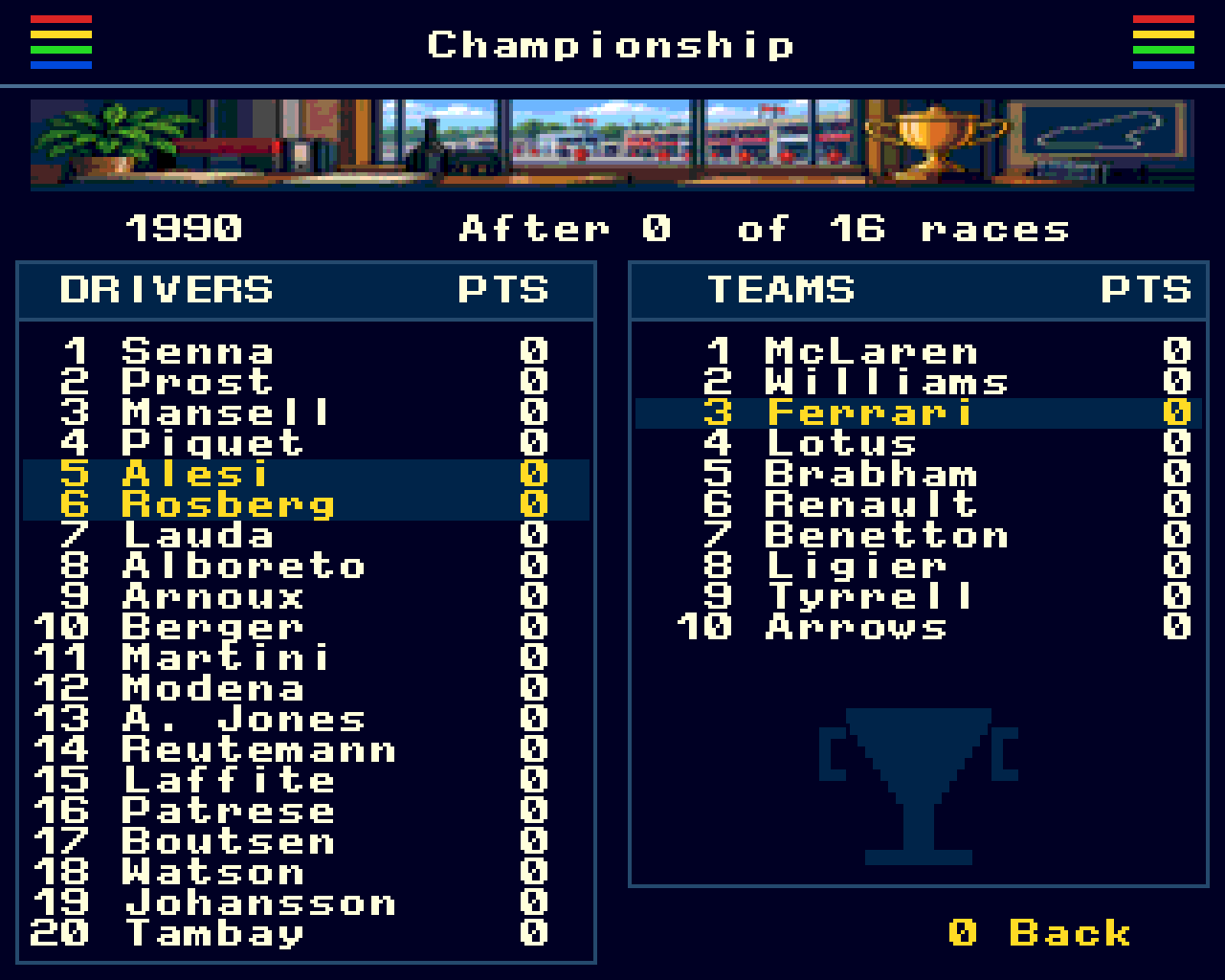
Explore the game, from choosing your team to the final championship standings. Select a screenshot to view it full size.
Inside the team.
About the game
Choose your team, sign two drivers and guide them through a 16-race season. Success depends on balancing speed, reliability, race strategy and money: a quick driver needs a well-prepared car, and every repair or upgrade comes out of your budget.
The game includes
- 10 teams and 40 drivers from the 1980s and early 1990s, including Johnny Herbert.
- A 20-car field, with two drivers per team.
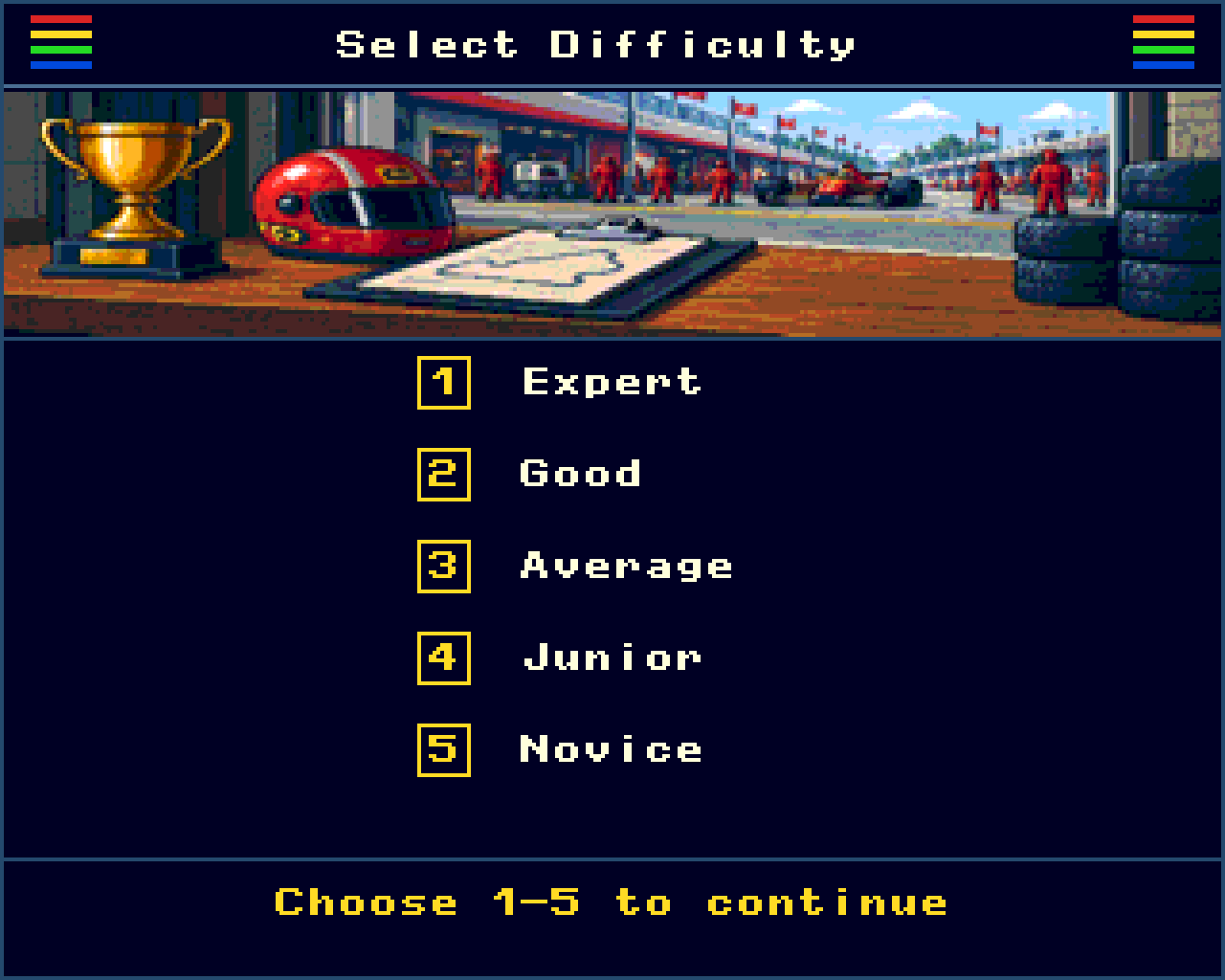
- Five difficulty levels, from Novice to Expert.
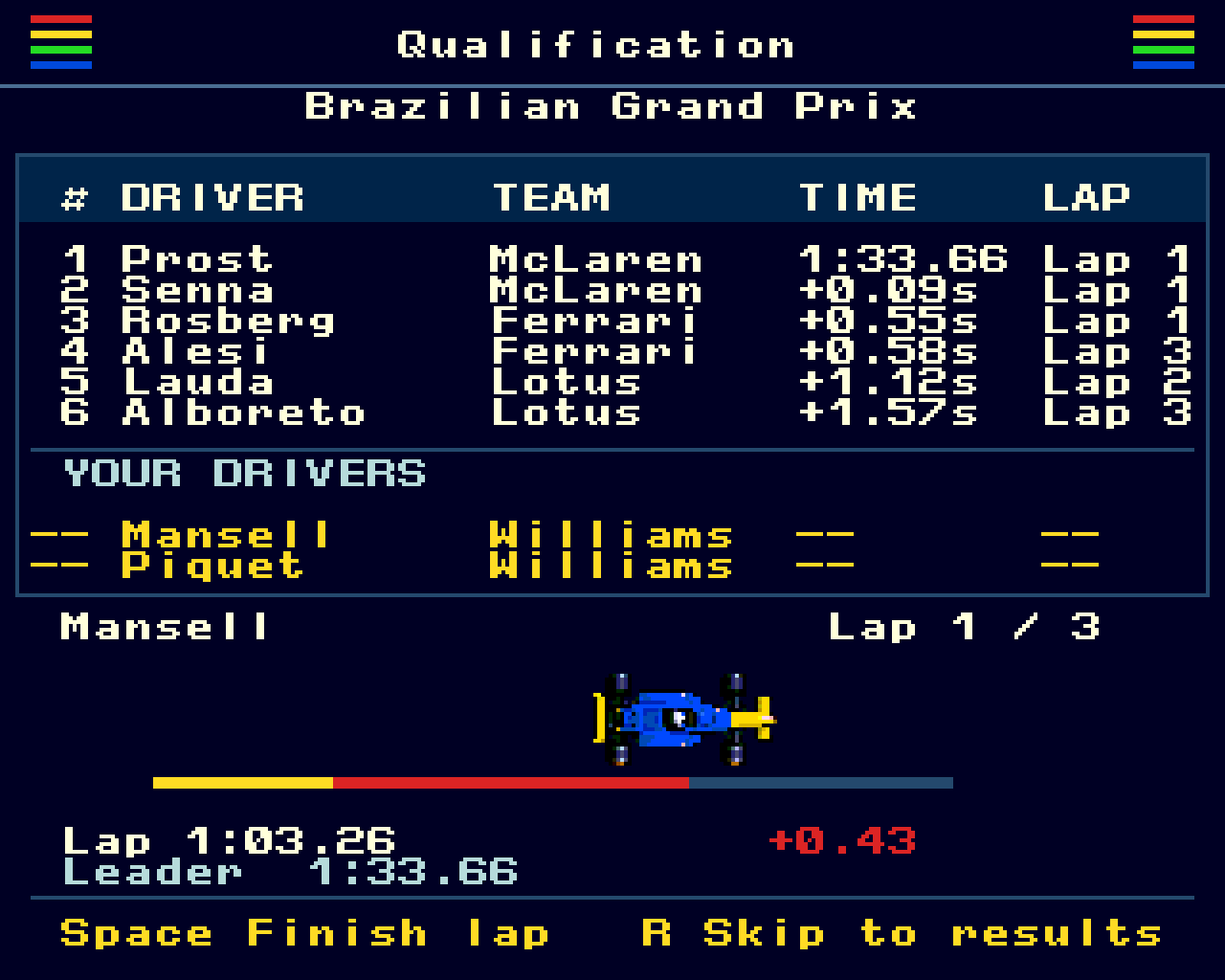
- Three qualifying attempts per driver, with animated laps and timing feedback.
- Changeable race weather, five tyre compounds and individual driving styles.
- Team radio, pit requests and interactive pit service.
- Sponsor objectives, financial reports and repair planning.
- Drivers’ and Constructors’ Championships, between-season upgrades, and save/load.
Build And Maintain Your Team
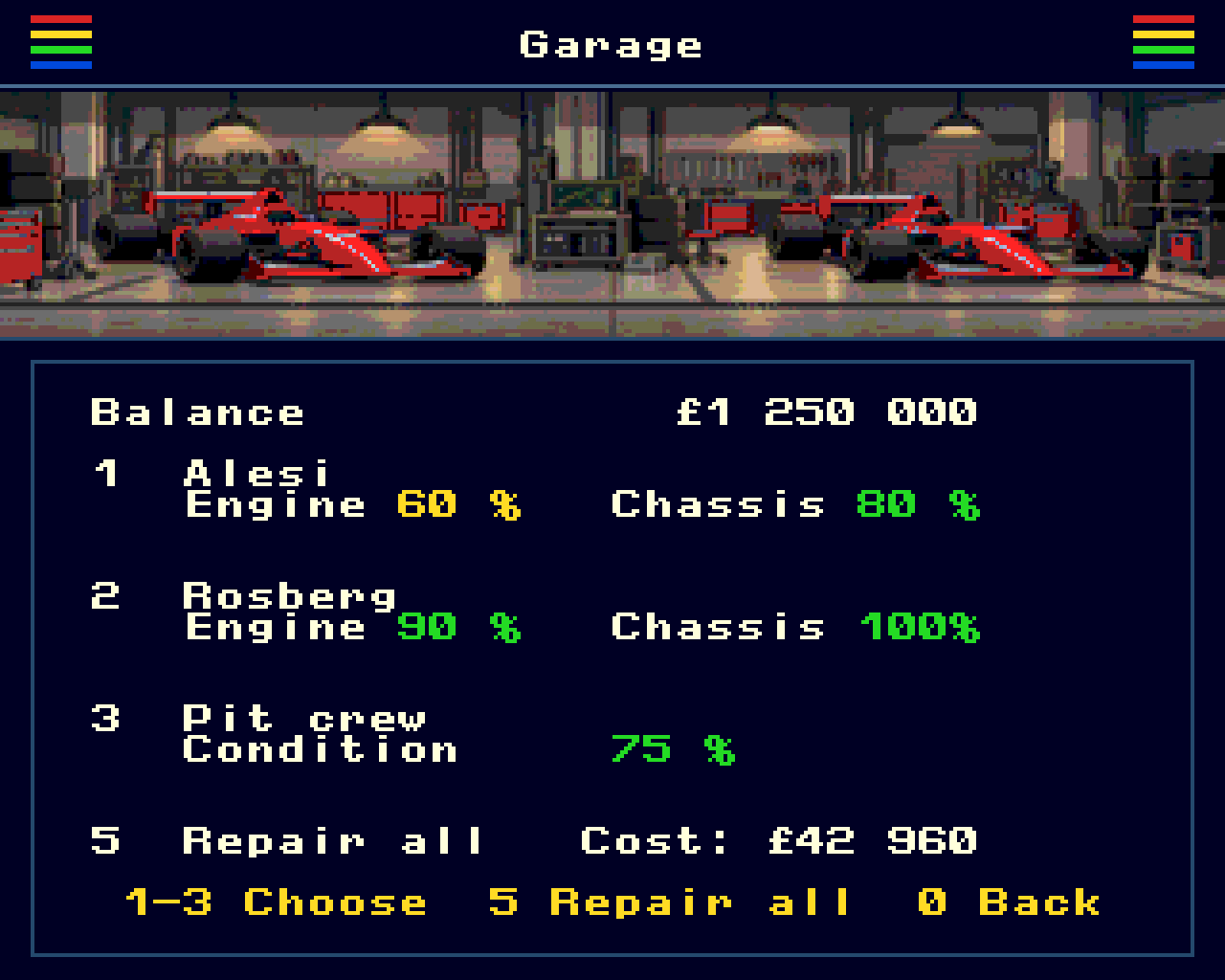
Drivers have different speed, control and risk ratings, signing fees and salaries. Teams have different engine, chassis and tyre levels, while pit crew ability and condition influence service performance. In the garage, plan engine and chassis repairs separately, combine them before paying, or repair everything at once. You can also restore your pit crew’s condition.
Qualifying
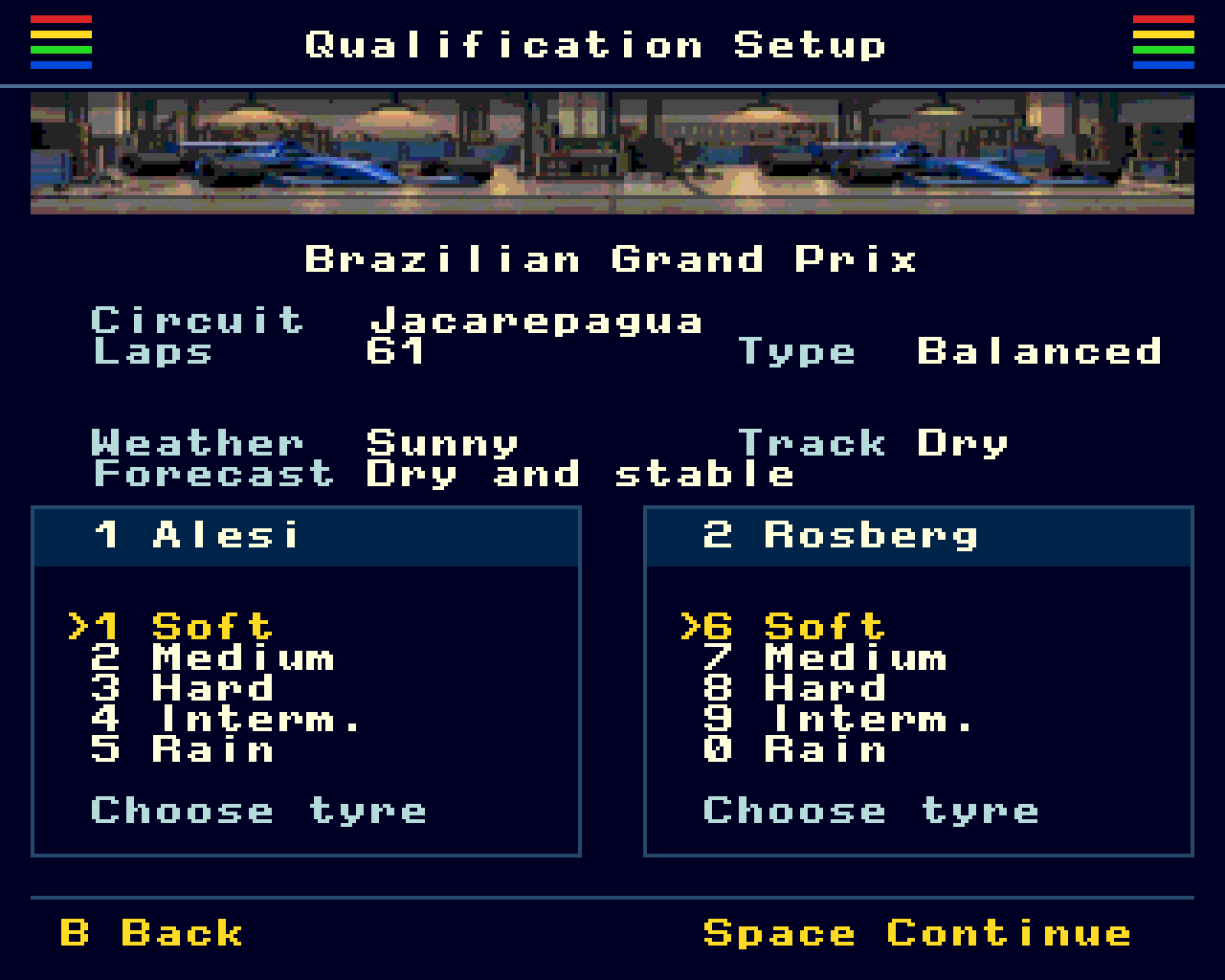
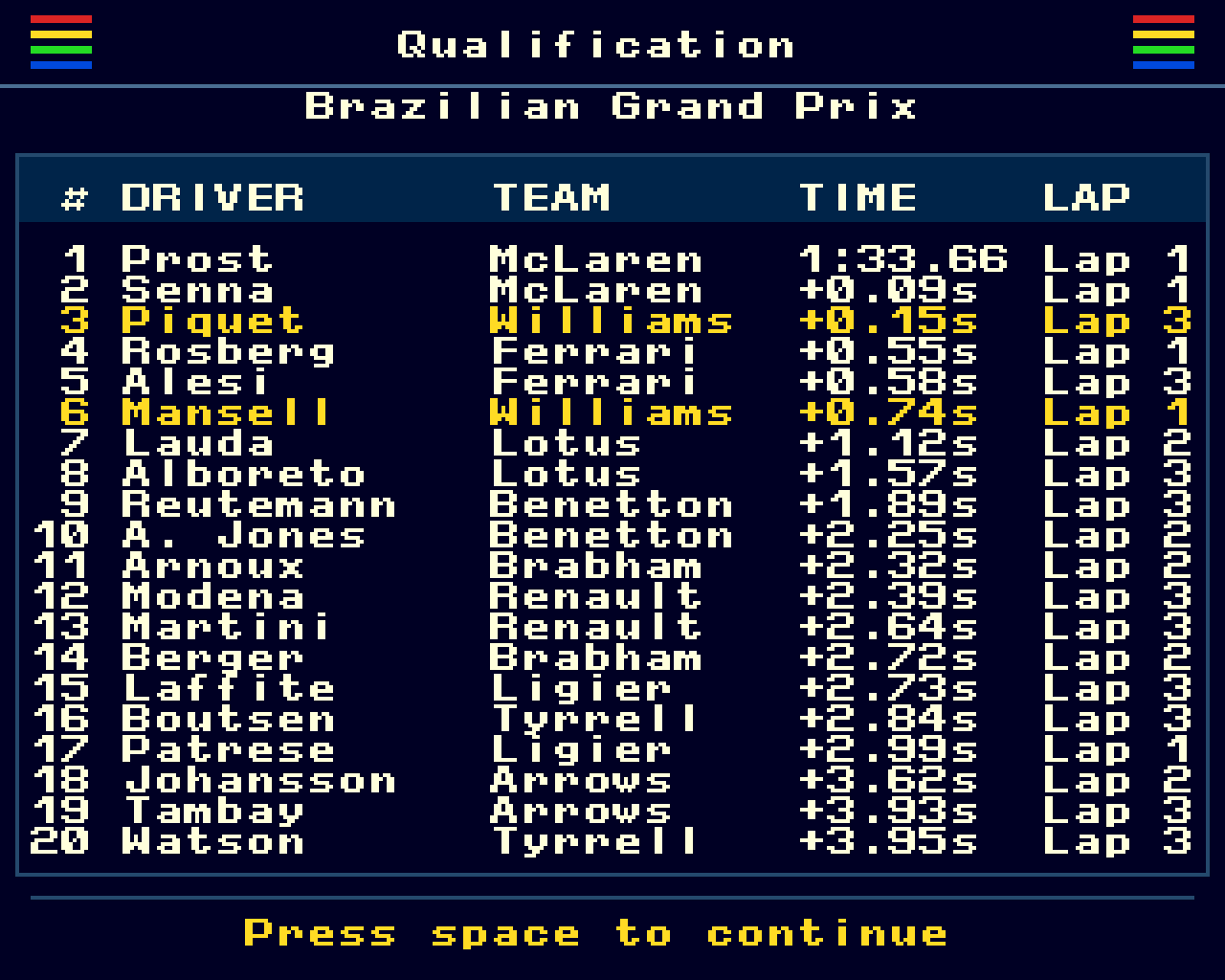
Choose tyres for the conditions before qualifying. The AI drivers’ times are calculated first, then you follow each of your drivers through three flying laps. A moving car and a red, yellow or green timing trail show how the lap compares with the leader. The screen keeps the top six and both of your drivers visible, showing lap times to hundredths of a second. Space finishes the current lap; R skips to the final grid.
Race Weekends
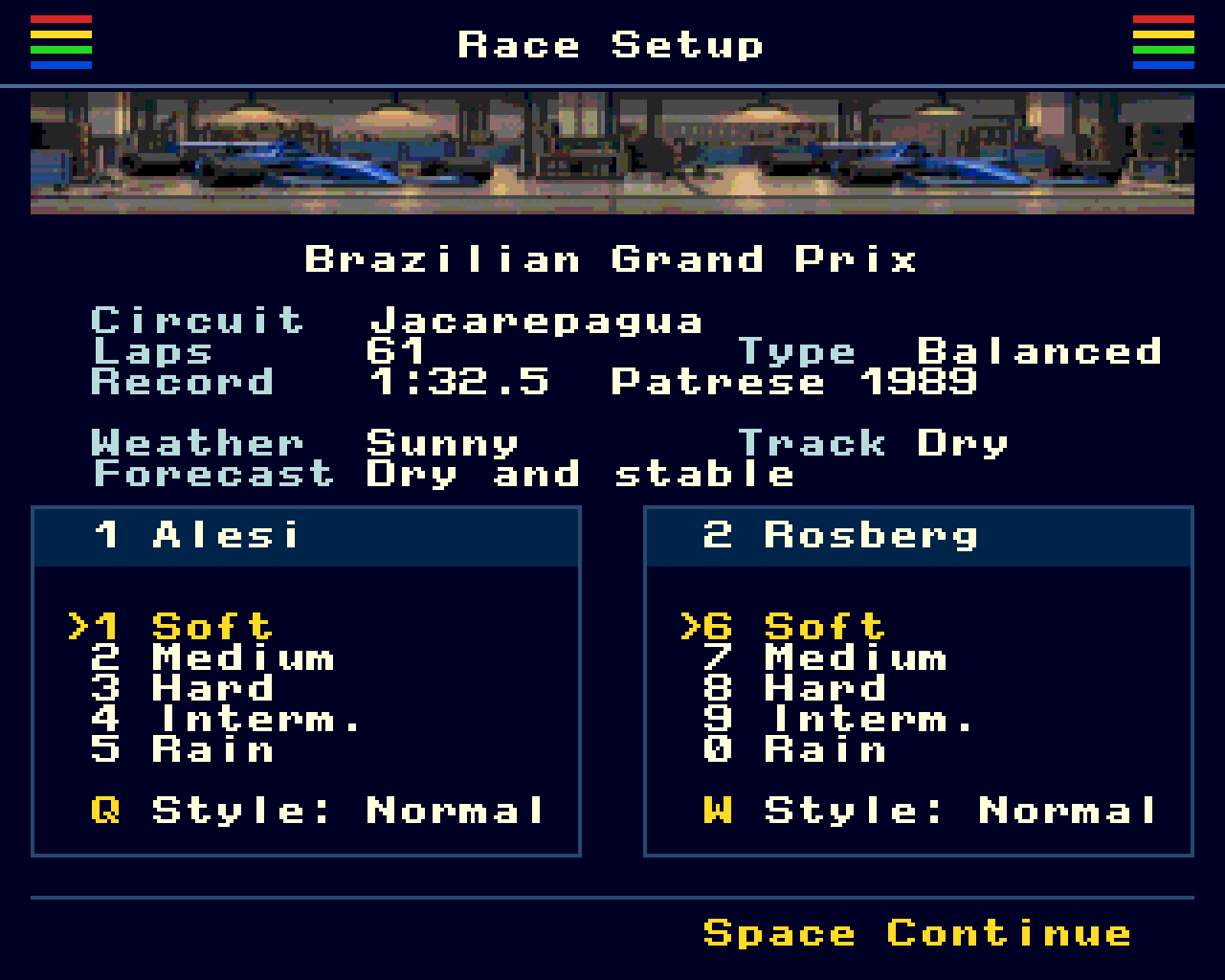
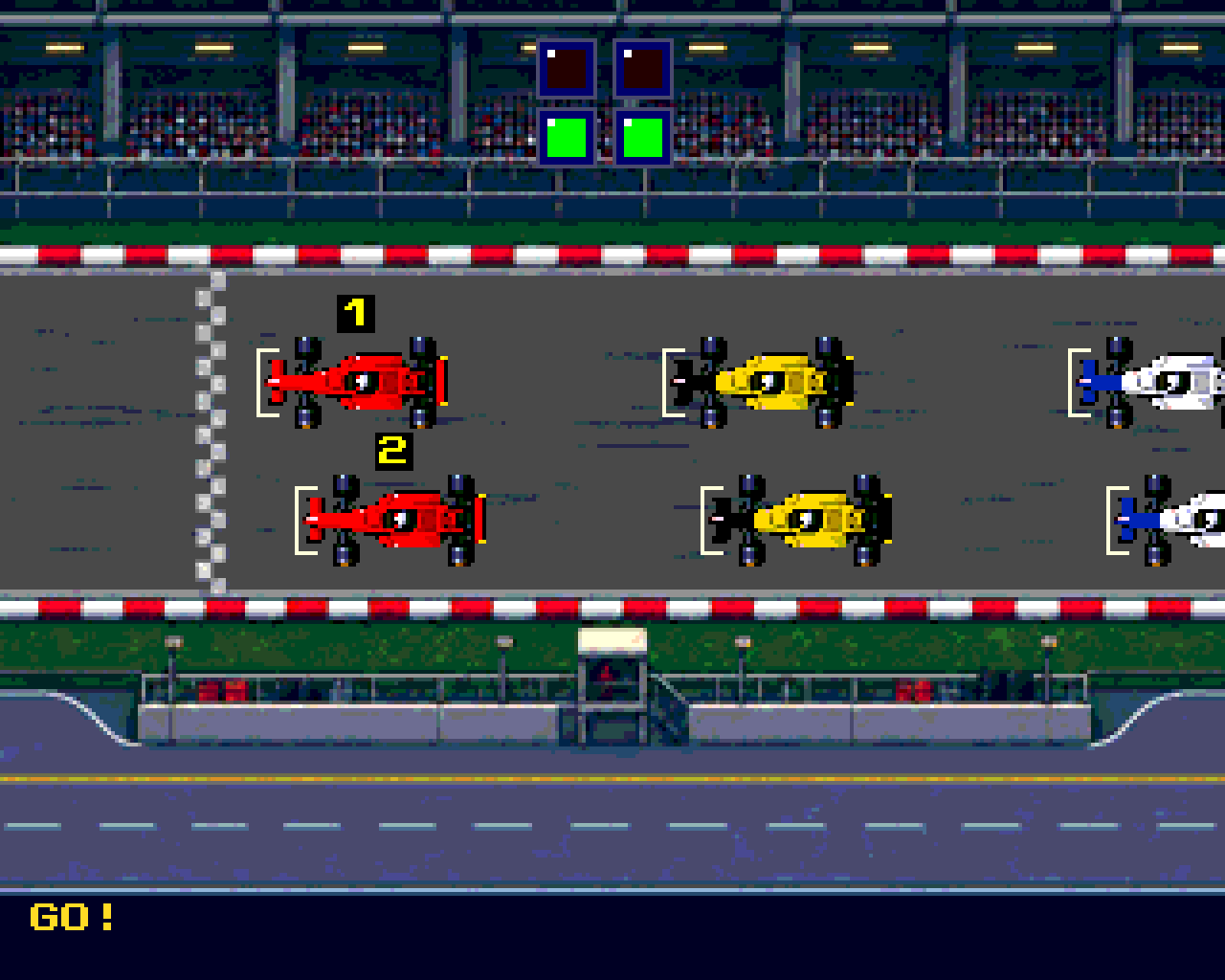
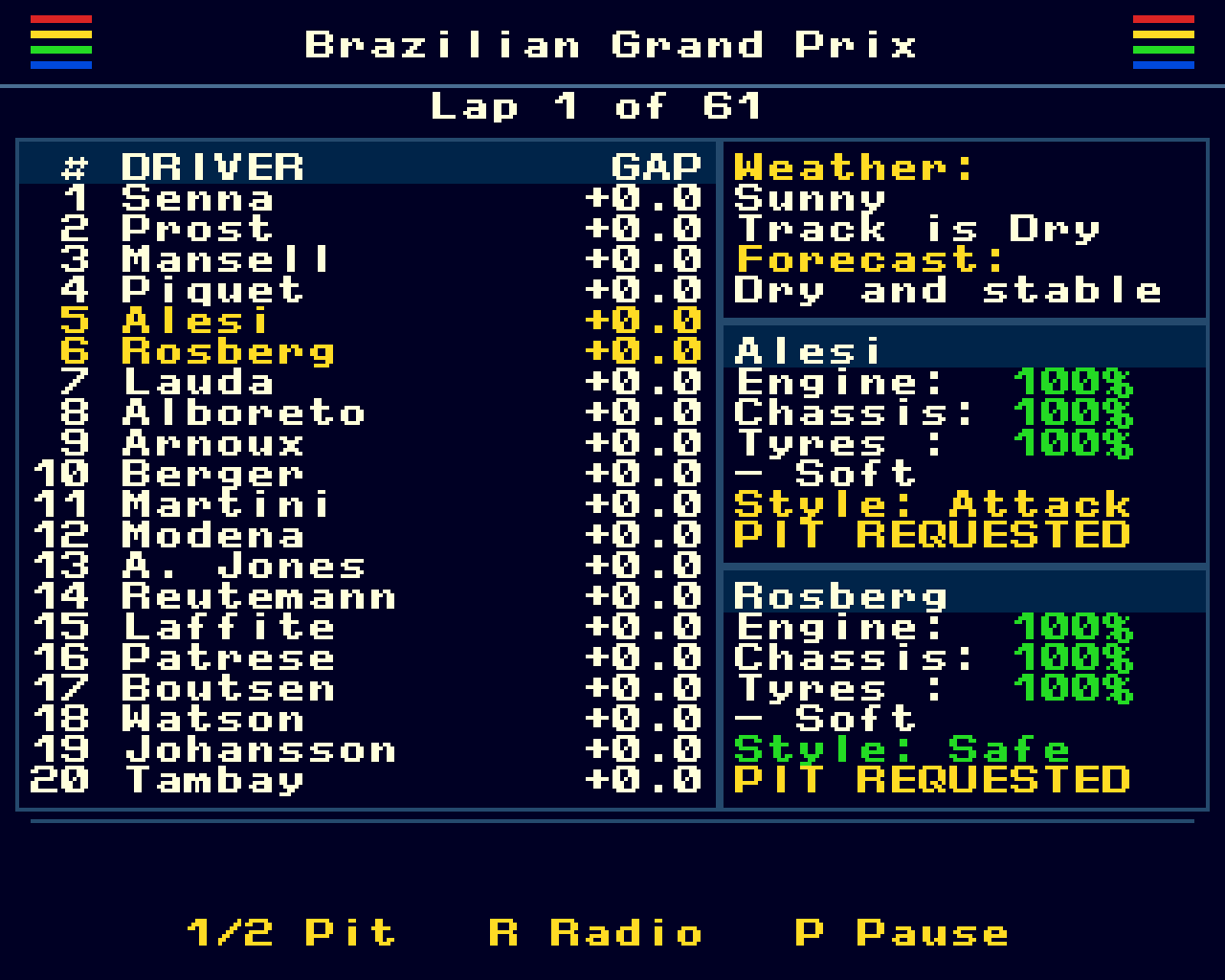
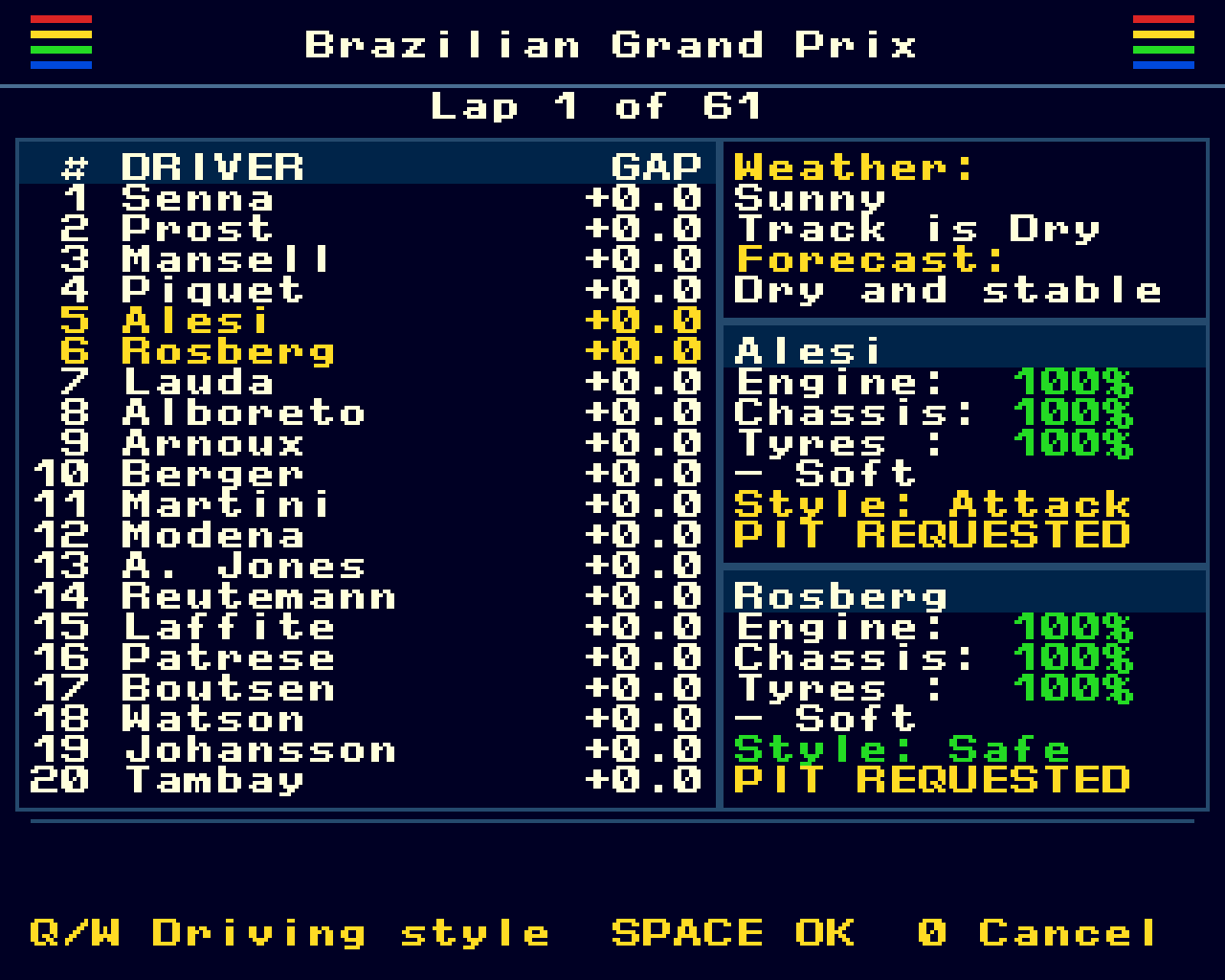
Choose tyres and a Safe, Normal or Attack driving style for each car before the start. Follow the lap-by-lap race, changing weather and race highlights, then use team radio to adjust your drivers’ approach. Attack can improve pace at the cost of extra wear and risk; Safe sacrifices speed to help preserve the car.
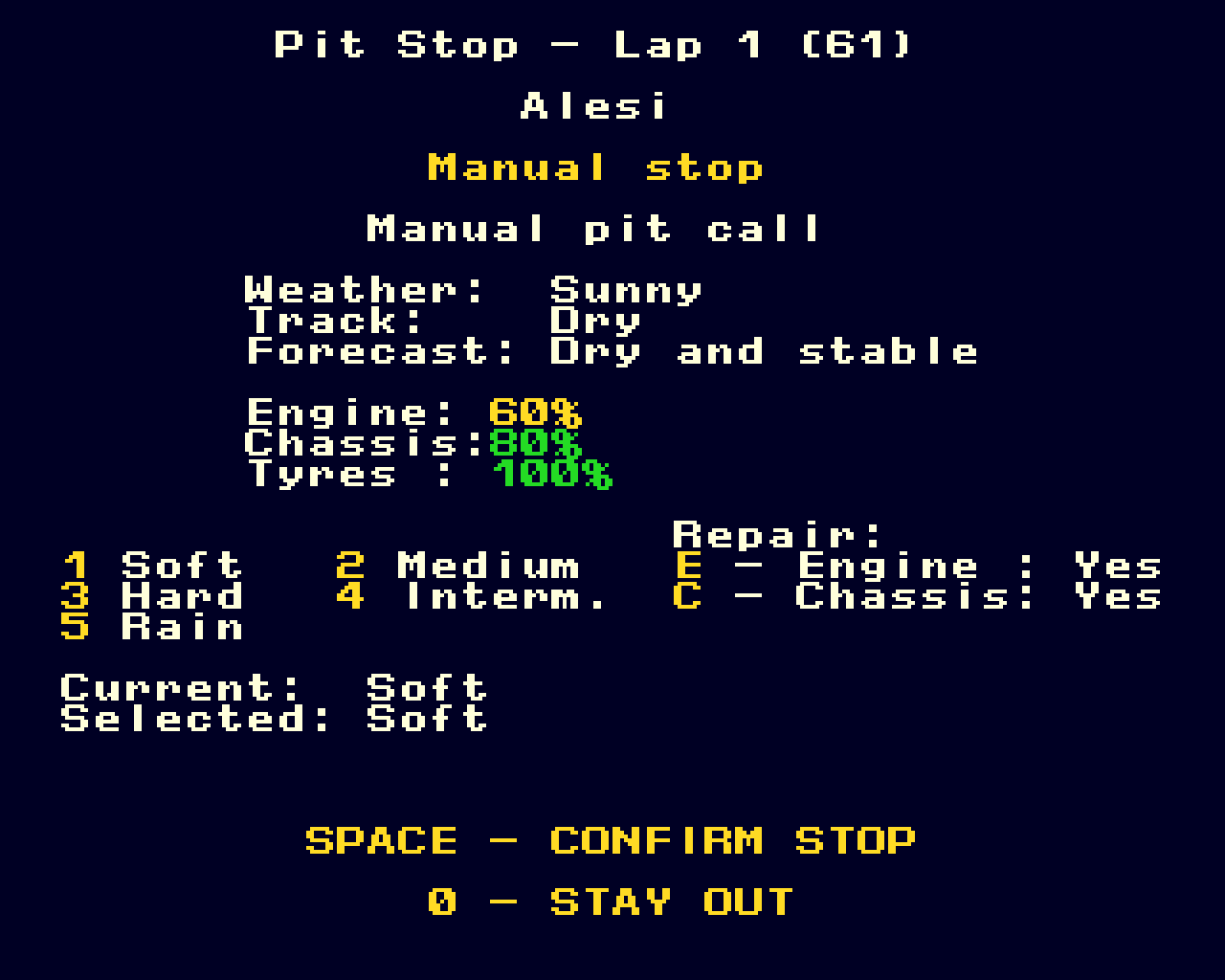
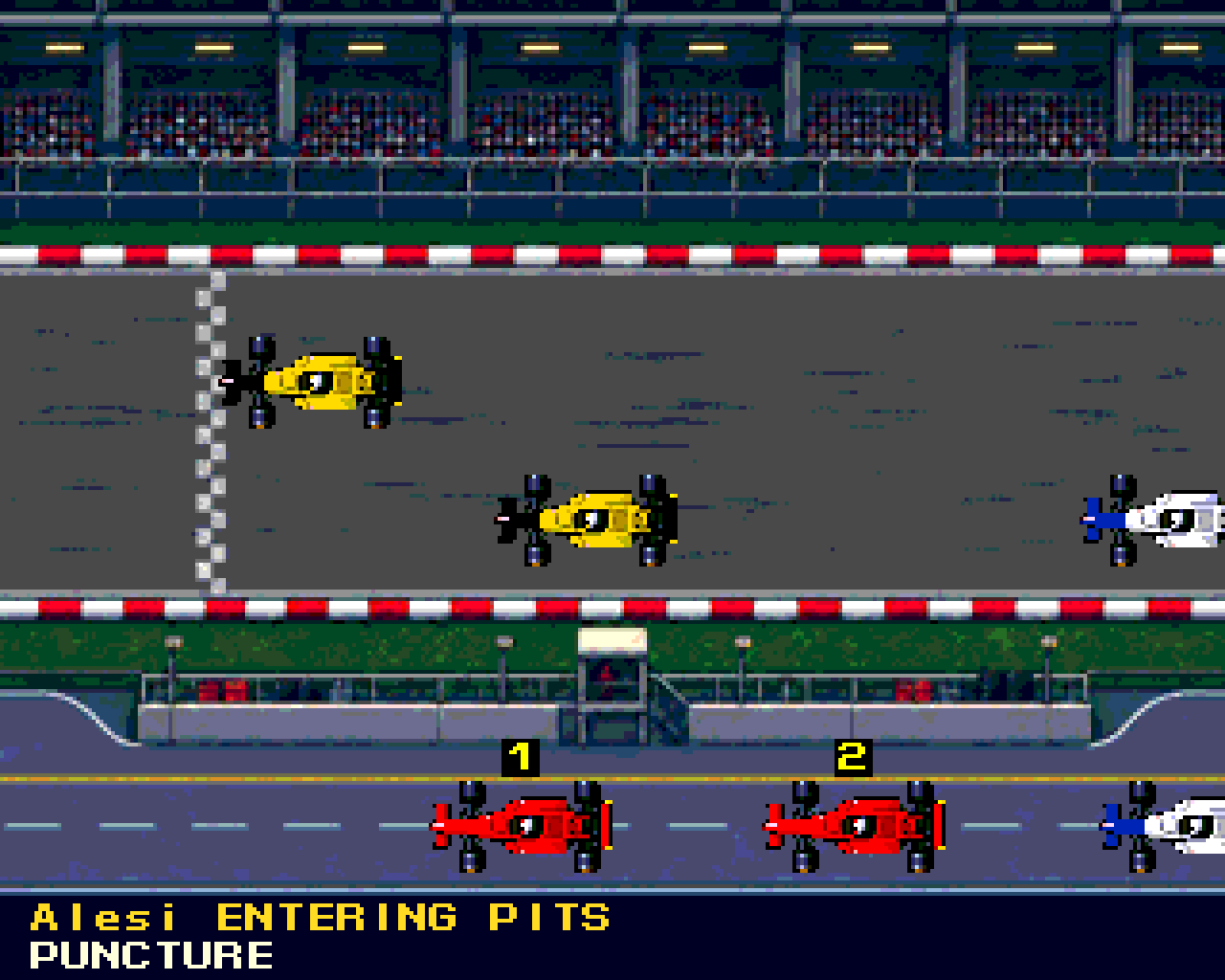
Call either driver into the pits, with an on-screen confirmation that the request has been received. Punctures and certain mechanical problems can also force a stop. Choose replacement tyres and any engine or chassis work, then take part in the service: time your inputs to hit the target zone. Good timing saves time; missed targets add to the stop. Crew ability, condition and difficulty affect the challenge.
Sponsors And Finances
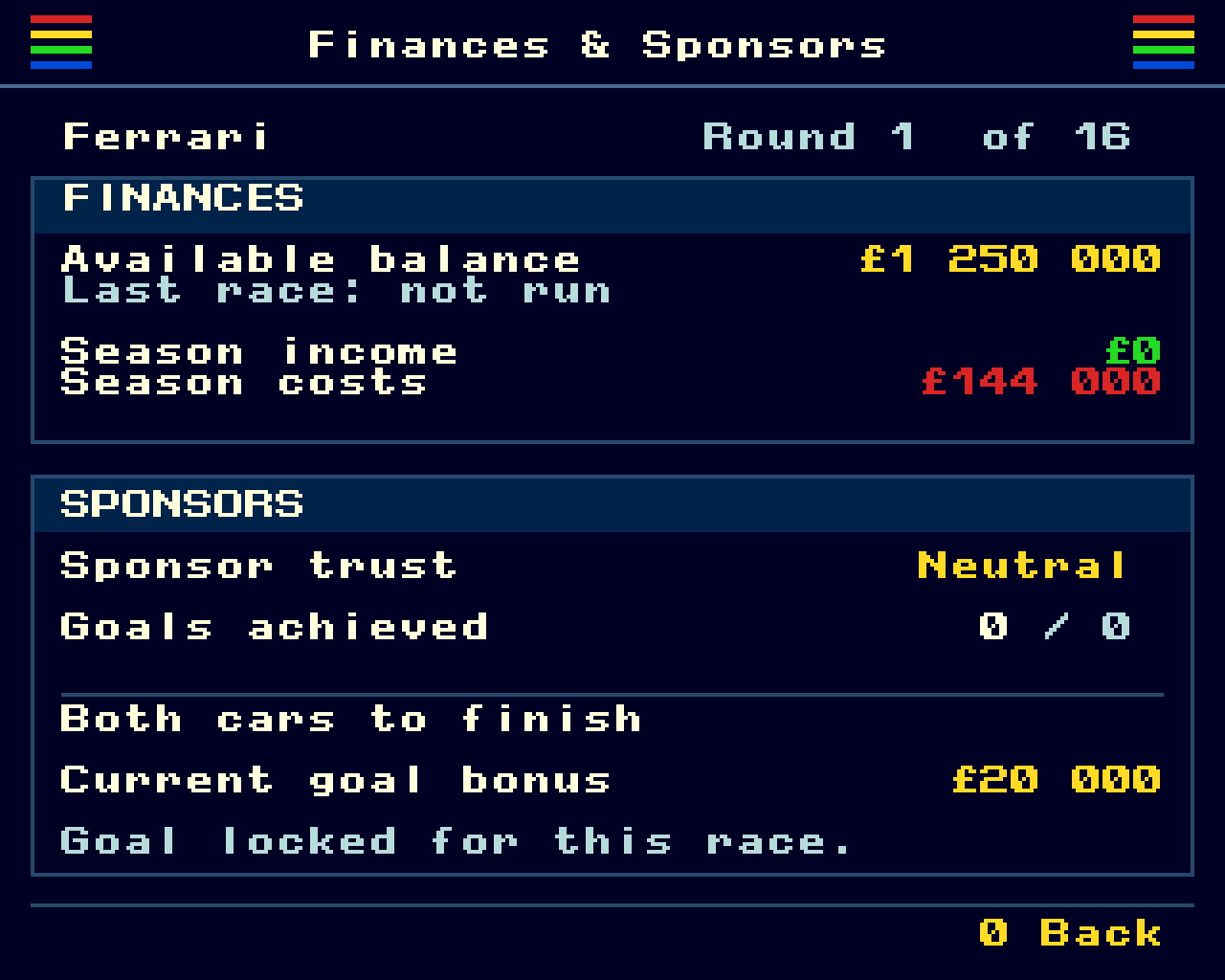
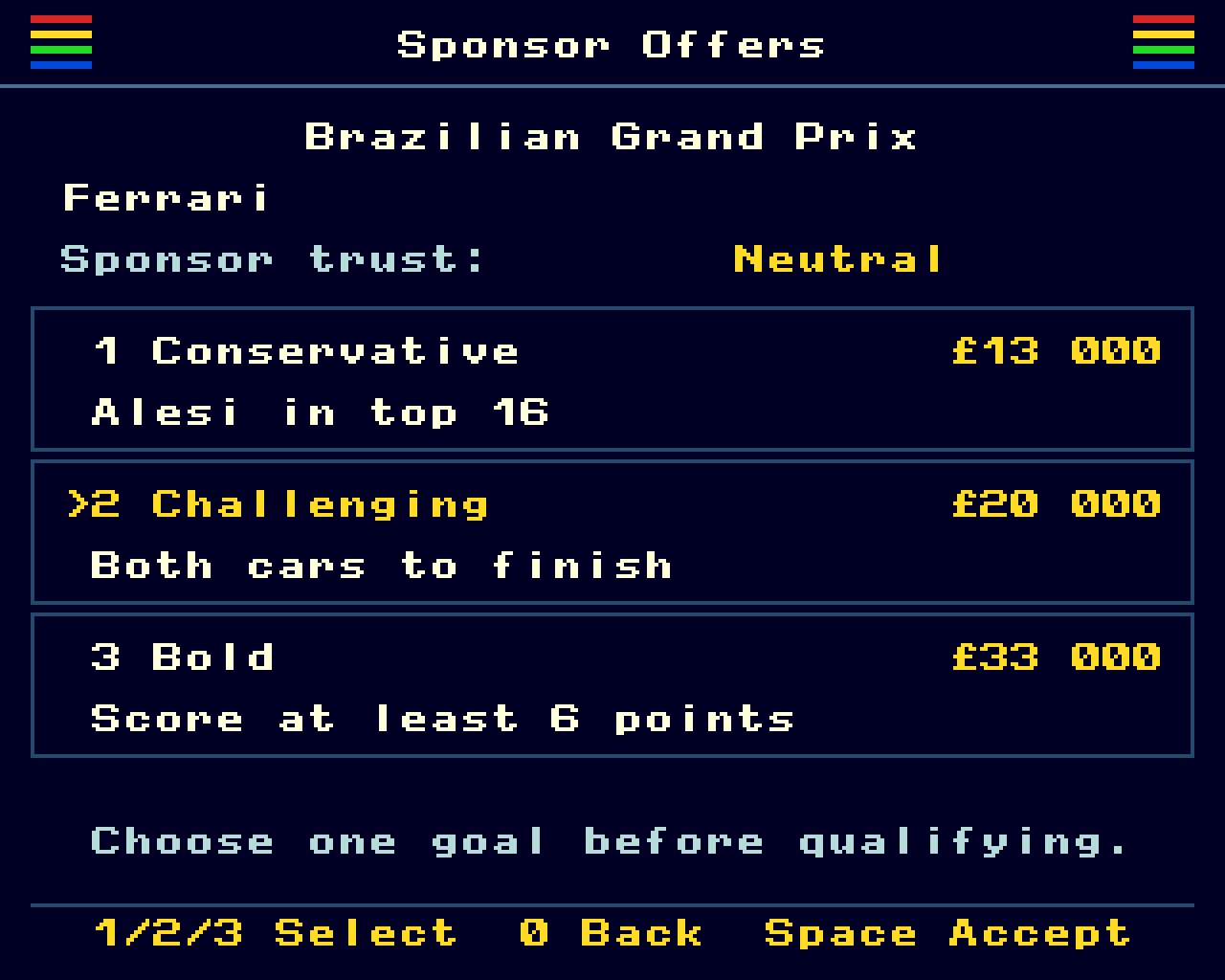
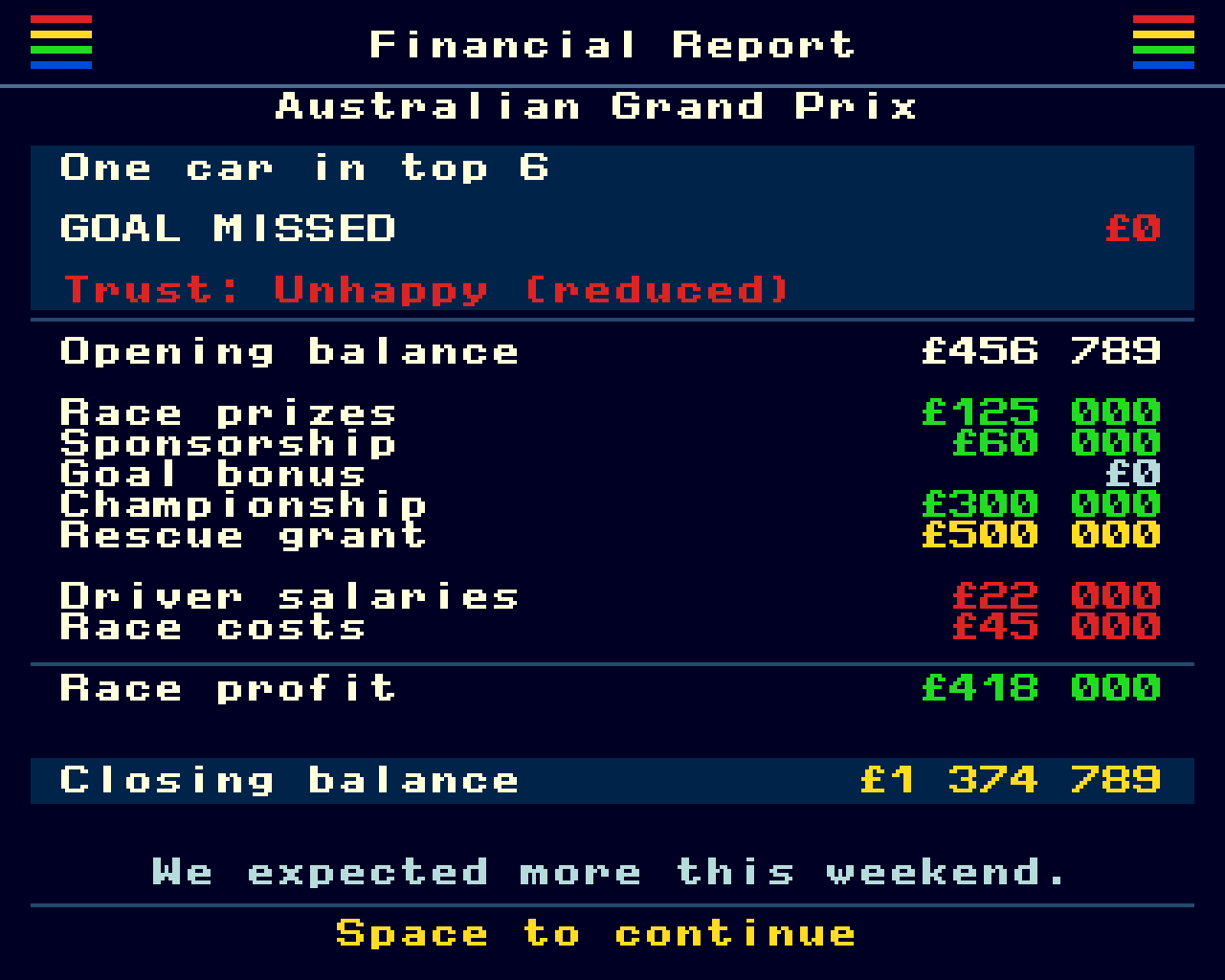
Before qualifying, choose from three sponsor objectives with different rewards and challenges. Targets can involve finishing positions, points, both cars finishing or beating a rival team. Meeting a goal earns a bonus and improves sponsor trust, which affects future rewards. The financial overview tracks your balance, income, costs and sponsor progress. After each race, review the results, championship standings and a breakdown of earnings and expenses.
End Of Season
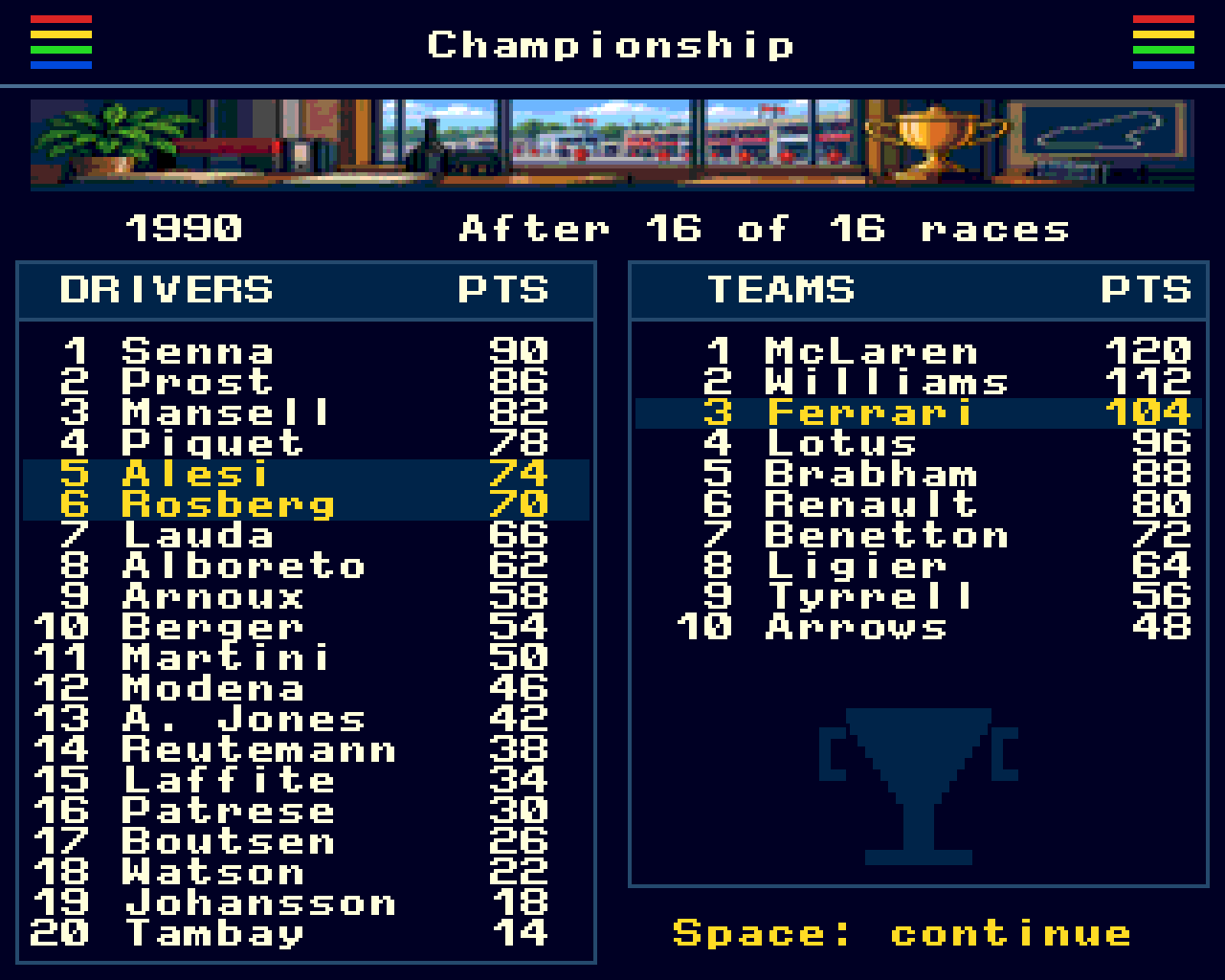
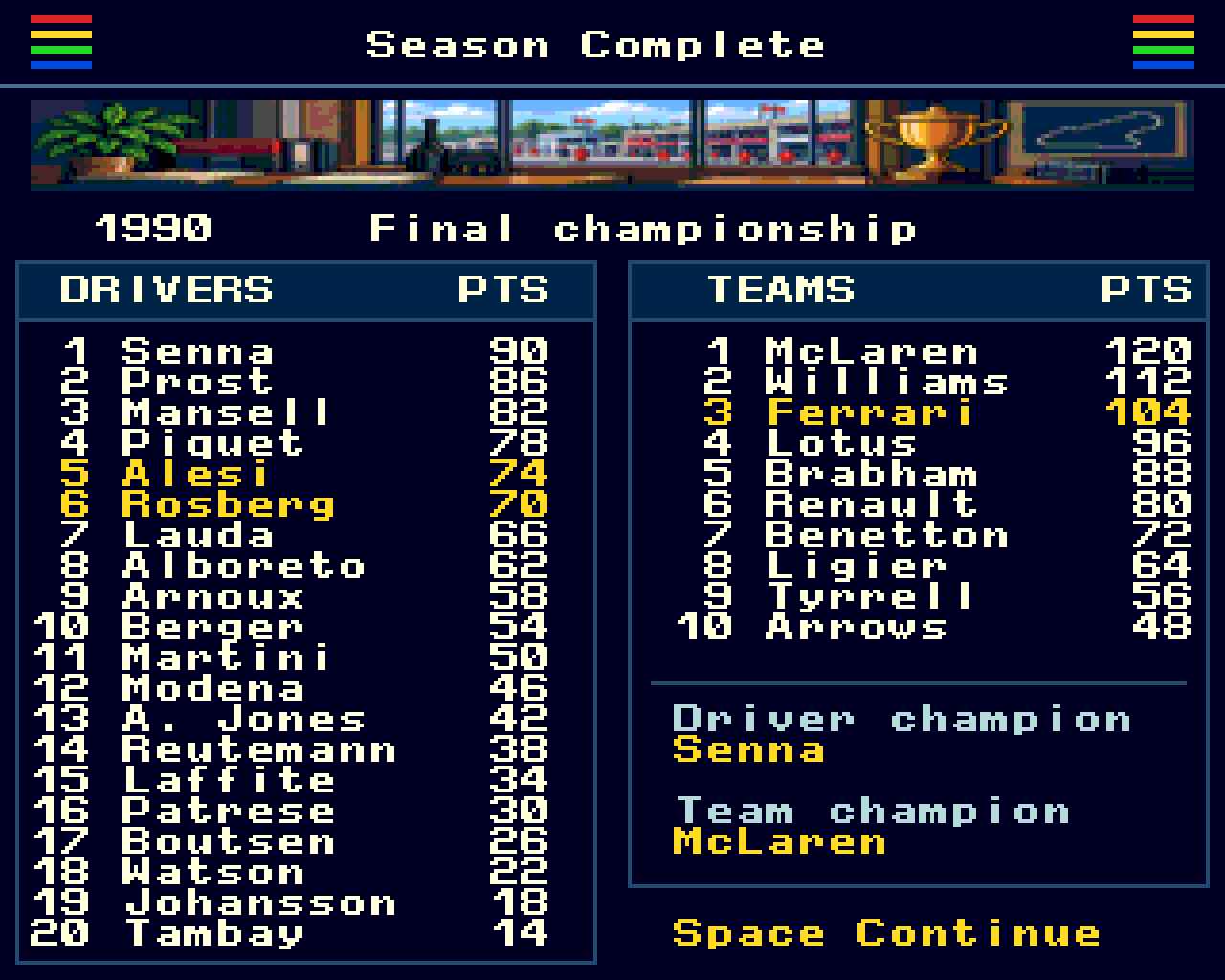
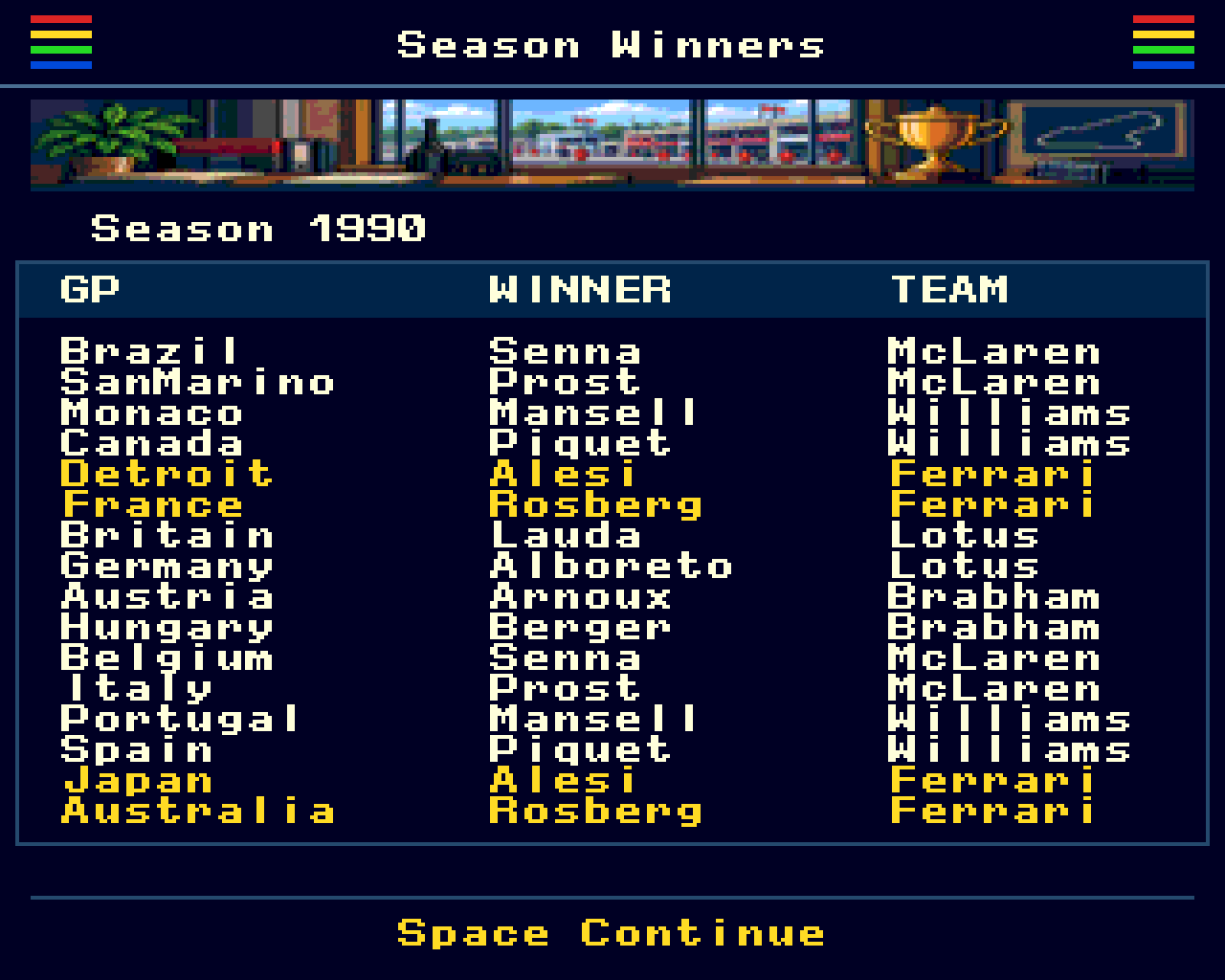
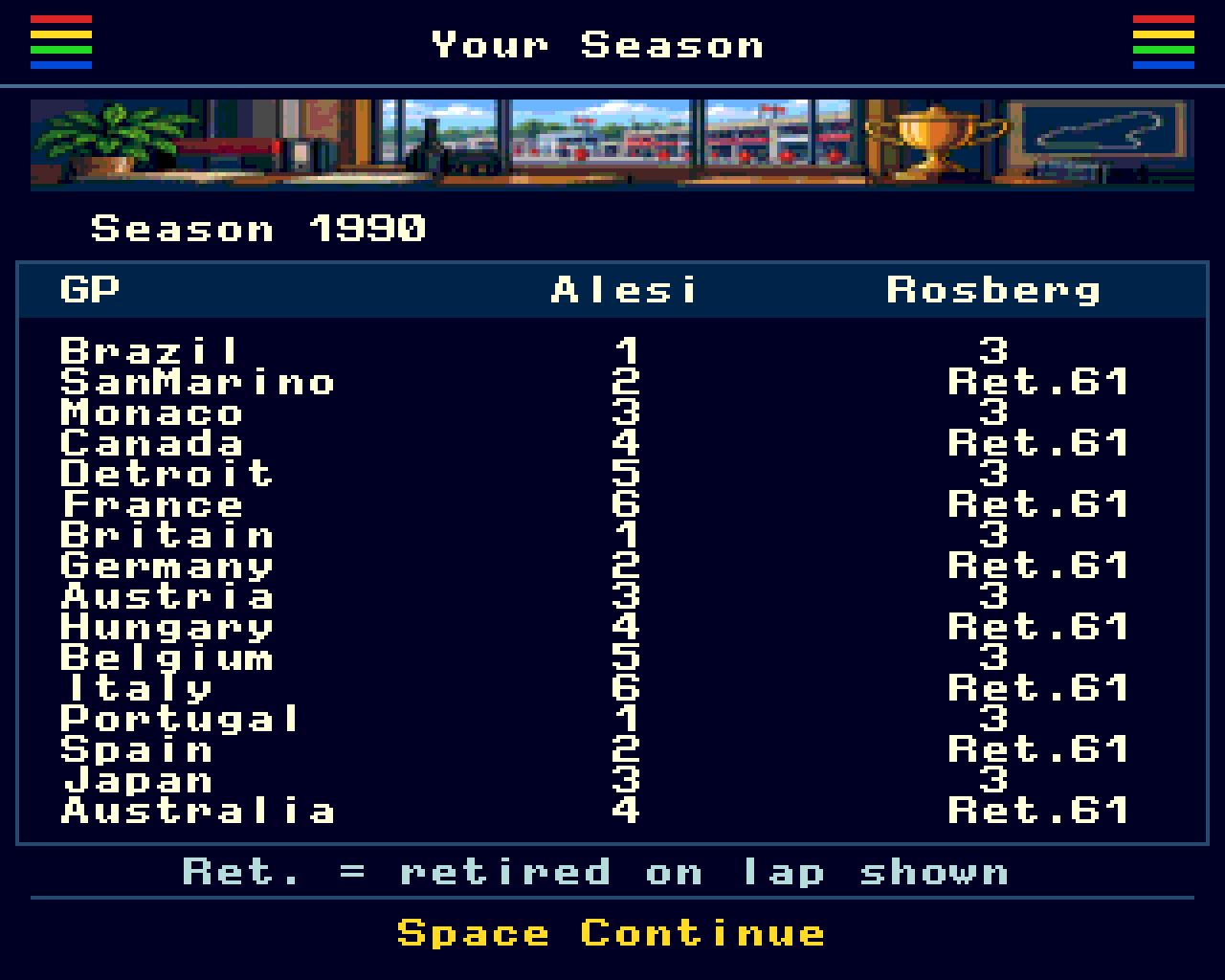
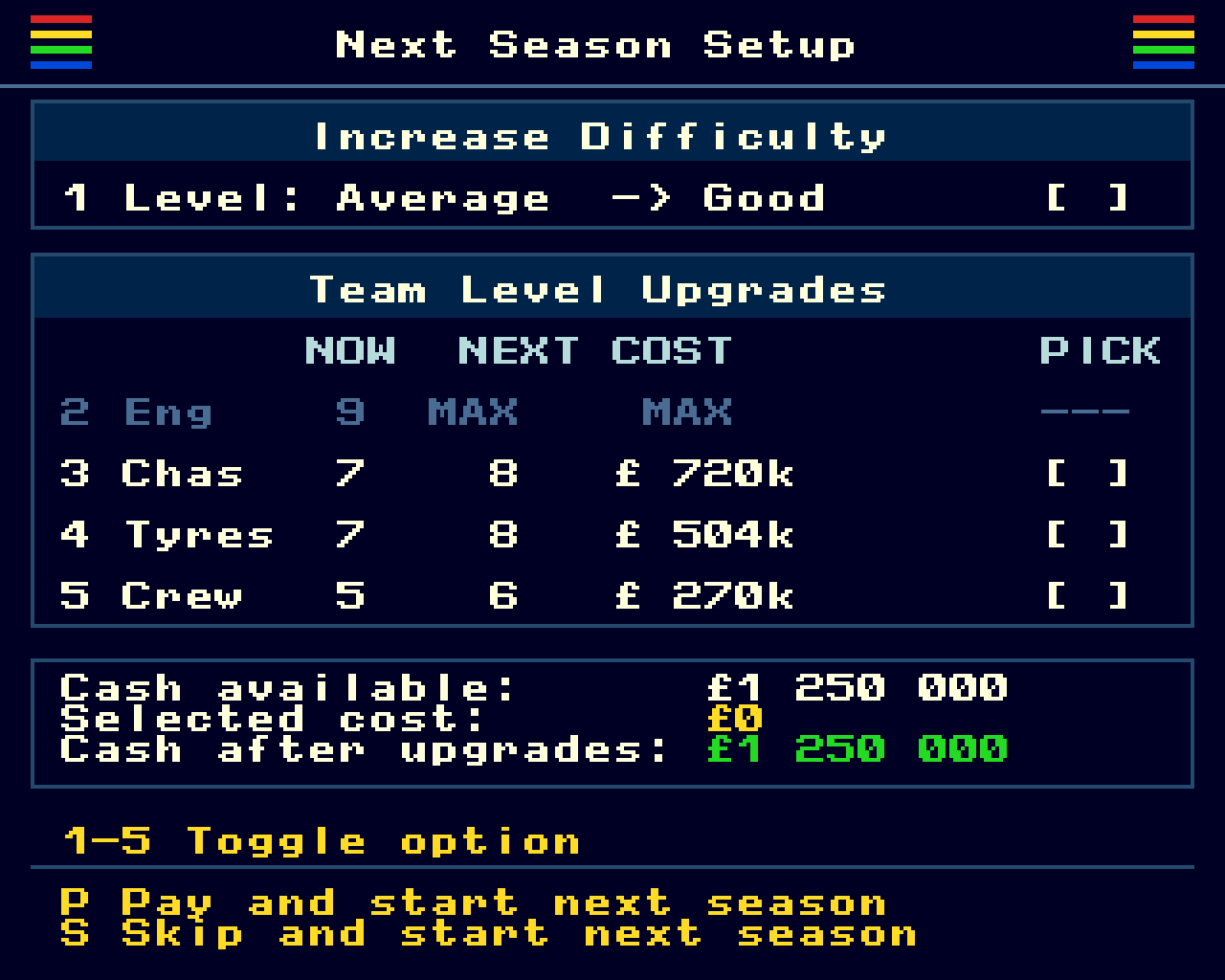
Review the final championship standings, every Grand Prix winner and your team’s results across the year. Then decide whether to increase the difficulty and invest in engine, chassis, tyre or pit crew upgrades before starting the next season.
Built For ZX Spectrum Next
Dark navy screens, crisp pixel graphics, team-coloured cars and classic AY sound give Formula Next Manager its Spectrum identity. Clear keyboard controls and quick access to team information keep the focus on decisions, season progression and that “just one more race” feeling.
Updates and changelogs
2026-10-16
v0.9.5
– Refreshed graphics and clearer menus.
– Expanded roster of 40 drivers.
– Animated qualifying with live timing feedback.
– Driving styles and in-race team radio.
– Sponsor objectives and financial reports.
– Interactive pit stops and improved repair planning.
– Smoother controls, reduced flicker and improved sound handling.
– And lots of general optimizations
2026-10-06
v0.9.1
Memory optimizations and better stack handling.
2026-07-13
v0.9
First beta release of full game. Feel free to download the game and test it.
Development resources
Interested in developing ZX Spectrum Next games with a code agent? Download the AGENTS.MD and zx-next-development-guide.md files used during development.
Your next season starts here.
Try version 0.9.5. Choose the .nex build for your Spectrum Next or the CSpect emulator.